
Digital Content Workflow for Vendor & Field Ops | ScaleLabs

ScaleLabs helps ops-heavy B2B teams ship client portals and workflow automation that reduce email chaos, speed up onboarding, and improve visibility across the business.
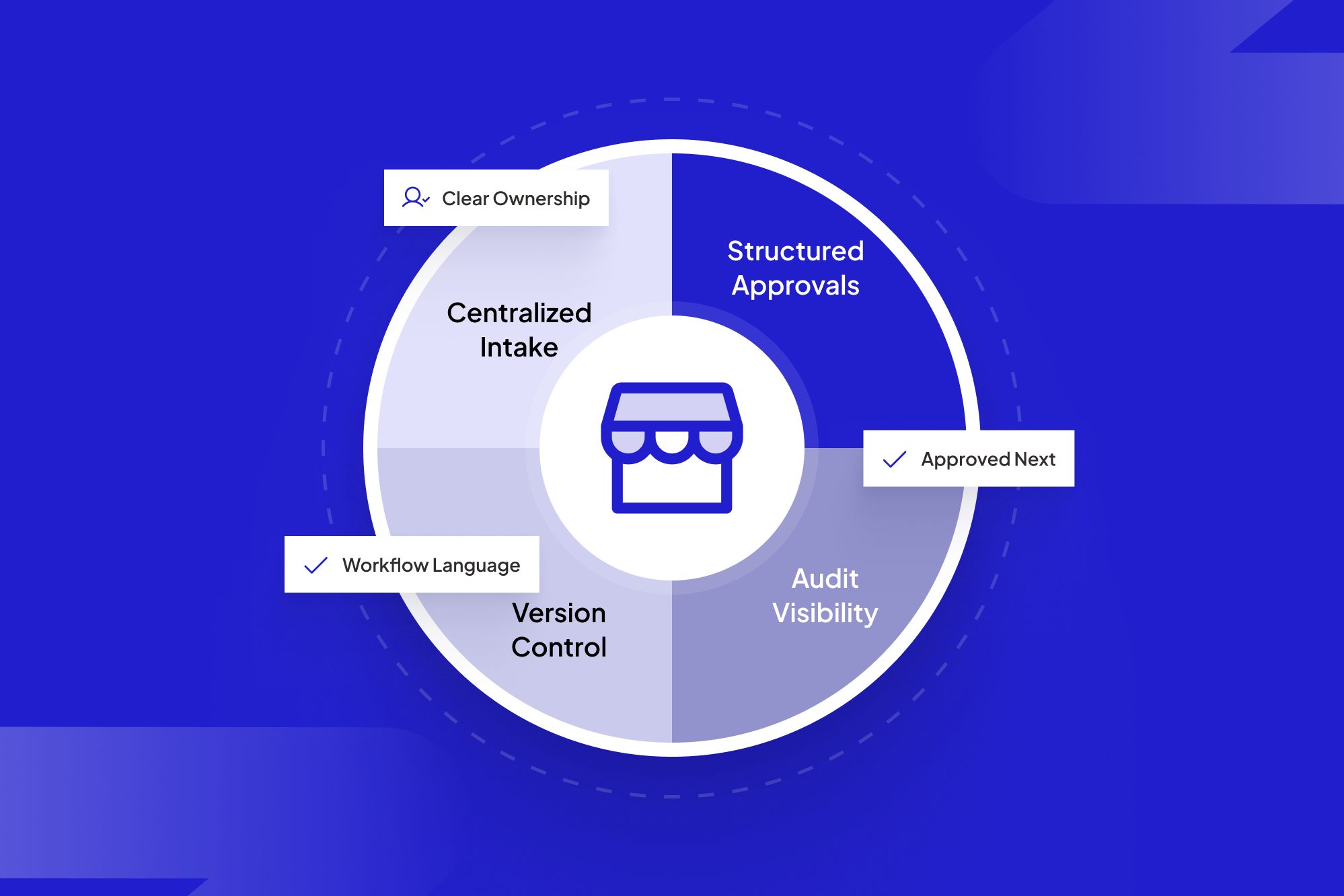

When your operations team lives in email, every vendor question, field photo, and approval thread turns into a mini-investigation. People dig through inboxes just to answer simple questions like “Has legal approved this?” or “Did we ever get the signed work order?” Across dozens of projects, no one can quickly see what’s blocked, who owes what, or which deadlines are at risk. That’s the everyday tax of running content-heavy processes on top of email instead of a proper digital content workflow.
Most utilities, construction firms, logistics providers, and insurers never set out to “run on email.” It just happened as new forms, contracts, inspection photos, and compliance documents piled up. This piece unpacks where email-based workflows break down, what a governed, end-to-end process looks like instead, and how to move there without ripping out your existing CRM, engineering ERP, or document management system.
TL;DR
- Email works for conversations, not for running recurring vendor and field workflows.
- The real goal is simple: always know who owes what, by when, with which file attached.
- You get there by turning attachments into structured items with status, ownership, and audit trails.
- AI can help check, route, and nudge; humans still decide exceptions and edge cases.
Table of contents
- Why email and attachments break vendor and field operations
- What is a digital content workflow in vendor and field operations?
- What a content workflow actually needs to track
- From email chaos to governed, end-to-end processes
- Designing a workflow for vendor operations
- Designing a workflow for field operations
- Where AI fits (and where humans stay in charge)
- How to start moving off email
- Build vs. buy—and how ScaleLabs helps
Why email and attachments break vendor and field operations

The everyday failure modes you’re probably living with
Ask any head of operations how they track “where things are” with vendors or field teams and you’ll usually see some mix of:
- A heroic spreadsheet that one person updates based on inbox archaeology.
- Long email threads where the subject line no longer matches the work.
- Attachments with version names like Contract_Final_v7_SIGNED_REAL.pdf.
- CC’d managers “for visibility” who now can’t unsee the chaos.
The pattern behind all of this: the workflow state lives in people’s heads and inboxes, not in a system. Email doesn’t know that the third attachment on page two of a thread is “the latest site photo for job #1842” or that legal approval is a required step before issuing a purchase order.
McKinsey estimates that knowledge workers spend more than a quarter of their week on email,Source and a more recent email overload study links high email volume directly to higher job stress and lower job and life satisfaction. That’s a lot of time and stress for a system that can’t even answer, “Who’s on the hook right now?”
Risk, compliance, and “we thought someone else had it”
For operations-heavy businesses, this isn’t just an annoyance; it’s a risk surface:
- Missed SLAs because no one noticed that a document sat untouched for five days.
- Reputational hits when a client chases you for status and you have to say, “Give us a few hours to track that down.”
- Weak audit trails when regulators or auditors ask, “Who approved this and when?” and all you have is a forwarded chain.
If your ISO 9001 auditor, risk team, or board has ever asked how you govern these flows, replying “we have strong email habits” doesn’t land. You need something better than hero spreadsheets and reply-all chains—especially when standards like ISO 9001 expect traceable documentation, approvals, and clear audit trails.
What is a digital content workflow in vendor and field operations?
A digital content workflow is the end-to-end path that files and structured data take as they move between vendors, field teams, and internal approvers. Instead of living in scattered inboxes, every request or job becomes a record in a system that tracks status, ownership, and required evidence—contracts, photos, certificates—from first submission through final sign-off.
In practice, that means vendors and field staff submit work through a portal, internal teams review and approve inside the same system, and leaders can see at a glance what’s blocked, who owns the next step, and whether compliance boxes are ticked.
What a content workflow actually needs to track
For recurring vendor and field workflows, most teams really need three simple things:
Question
What the system should show
What’s the current state?
A clear status: Draft → Submitted → In review → Approved → Completed, with timestamps.
Who owns the next move?
The specific person or role currently responsible, not a CC list.
Which files and data are attached?
Structured references to documents, photos, and fields, not mystery attachments.
Everything else—smart reminders, dashboards, audit logs—builds on those foundations. In other words, a strong workflow system turns every “email + attachment” into a trackable item with state, ownership, and context.
Many companies try to bolt this onto their existing CRM or ticketing tool, but once vendors and clients need to participate directly, you usually outgrow generic forms and need a proper vendor or client portal with built-in governance & brand portal.
From email chaos to governed, end-to-end processes
The “See → Own → Move” framework
A simple way to think about the shift is in three verbs: See → Own → Move.
- See: Anyone with permission can see the state of a request or job at a glance.
- Own: One person or role is clearly responsible for the next action.
- Move: The system knows what “done” looks like and can push the work to the next step automatically.
In email-land, none of this is guaranteed. Visibility depends on who’s CC’d, ownership is implied rather than explicit, and the process “moves” only when someone remembers to forward a thread.
What “governed” actually means in practice
Governance gets talked about a lot, but in the trenches it usually comes down to a few basics:
- Standard templates and required fields for each workflow type (onboarding a vendor, scheduling an inspection, renewing a contract).
- Business rules that route work based on risk, value, or geography.
- Role-based access and audit logs so you know who did what, when.
- Service-level agreements (SLAs) tracked by the system, not by memory.
In one recent portal project, a distributed field services team shifted their vendor onboarding and job-closeout steps from a shared inbox into a governed workflow: vendors submit through a portal, coordinators see every open job and owner in one view, and finance pulls clean, approved records at month-end instead of reconstructing them from threads.
When those pieces are in place, you get more than a “single source of truth”—you get a process that can survive staff turnover, busy seasons, and new regulatory demands without collapsing back into chaos. That’s the gap ScaleLabs focuses on closing for operations-heavy businesses.
Designing a workflow for vendor operations
A concrete example: vendor onboarding and changes
Take vendor onboarding, which often touches finance, legal, security, and operations. In many companies, it still looks like:
- Vendor emails a packet of PDFs to a generic inbox.
- Someone forwards them to legal “for review.”
- A week later, the vendor follows up asking what’s happening.
Now picture the same flow running through a governed portal:
- Vendor submits a structured form with required documents through a secure link.
- The system checks for completeness and flags anything missing.
- Rules route the request to the right approvers based on spend, region, or risk.
- Everyone sees status, ownership, and timestamps on a shared dashboard.
Internally, you still connect this to your existing finance system and document repository; you’re adding a governed front door that keeps content and workflow together instead of scattering them across email.
If vendor work is a recurring headache, our broader perspective on custom workflow applications may help.
Designing a workflow for field operations

Field work is all about proof and timing
Field operations—site inspections, maintenance visits, installations—generate messy, high-volume content: photos, checklists, signatures, GPS coordinates, and notes. When technicians text photos to supervisors or attach them to ad hoc emails, several things happen:
- Back-office teams struggle to match photos to the right job or asset.
- Supervisors waste time chasing missing proof or clarifications.
- Clients and regulators get partial or late evidence of what happened on-site.
A field-ready content workflow changes the default. Instead of “send someone an email,” technicians log work through a mobile-friendly portal that:
- Guides them through the right form based on job type and location.
- Attaches photos and notes directly to the job record.
- Triggers follow-up tasks when conditions are met (for example, damage above a threshold).
The result is a clean chain from “work requested” to “work completed,” with evidence attached where everyone expects to find it. Structured workflows give you the clear handoffs and documentation field-heavy projects need, without relying on heroics.Source
We’ve seen this pattern across utilities, construction, and logistics clients that come to ScaleLabs asking for “just a portal,” then realize they actually need a backbone for all of their field content.
Where AI fits (and where humans stay in charge)

Once you’ve turned fuzzy email threads into structured workflows, AI becomes genuinely useful rather than gimmicky. In a governed system, AI agents can:
- Check submissions: “Is the insurance certificate valid? Does this photo show all required equipment?”
- Route work: “Based on these fields, this request should go to Legal Tier 2 and then to Vendor Management.”
- Summarize context: For busy approvers, condense long history into a short, actionable brief.
- Watch SLAs: Flag items drifting toward breach and nudge owners automatically.
The key is to let AI handle checking and nudging, while humans still control judgment calls, escalations, and relationship-sensitive decisions. That’s the design philosophy behind ScaleLabs’ work on AI for the real economy: give AI just enough authority to keep the work moving, without turning your operations into an opaque black box.
How to start moving off email
You don’t need a multi-year transformation program to get value from a digital content workflow and also for b2b business model. Pick one painful, repeatable process—like vendor onboarding or field photo collection—and run a contained experiment.
- Define the states. List 4–6 simple statuses for that workflow (for example: Draft → Submitted → In review → Approved → Completed) and ensure each item can only be in one state at a time.
- Assign owners. For each state, document who owns the next move (by role, not name), and when two teams are involved, clarify who is accountable versus consulted.
- List required fields and files. Decide which fields and attachments are mandatory before work can move forward—tax IDs, insurance certificates, site photos, sign-offs—and how you’ll validate them.
- Choose a pilot venue. Start with one region, customer segment, or vendor group where stakeholders are motivated to try something new. Run the new flow in parallel with your current process for a few weeks, then compare email volume, cycle time, and error rates.
Even if you begin with a lightweight form or simple portal, this exercise forces clarity about state, ownership, and evidence. That clarity makes it much easier to graduate into a fully governed workflow platform later—whether you configure an existing tool or partner with ScaleLabs on a custom application.
Build vs. buy—and how ScaleLabs helps
At some point, most teams ask: “Can’t we just customize our existing ticketing system or doc platform for this?” If your workflows are relatively simple, a well-configured off-the-shelf tool may be enough.
But if you recognize your world in any of these statements, you’re probably in custom territory:
- “Every big customer seems to have their own flavor of process or paperwork.”
- “Vendors and clients need to log in, upload files, and see status—but only for their own stuff.”
- “Legal, finance, ops, and field teams all touch the same workflows with different rules.”
- “We have to integrate with three or four internal systems to make this stick.”
This is where a dedicated workflow application or portal, built around your actual processes, pays off. At ScaleLabs, we help operations-heavy companies implement production-ready digital workflows that plug into their existing tech stack.
Across portal builds, we’ve consistently seen email chains on target workflows drop by around 80% once teams move into a structured portal instead of a shared inbox—freeing people up to focus on actual delivery instead of chasing threads.
If you’d like to see what that could look like for your team, you can book a call. We’ll map a high-friction workflow—vendor onboarding, field inspections, claims intake—and show you what it would mean to run it as a governed, end-to-end process instead of a never-ending reply-all chain.
For more on how we think about this work, explore other articles on the ScaleLabs blog.


