
Marketing Automation Workflow for Last-Mile B2B Operations | ScaleLabs

ScaleLabs helps ops-heavy B2B teams ship client portals and workflow automation that reduce email chaos, speed up onboarding, and improve visibility across the business.
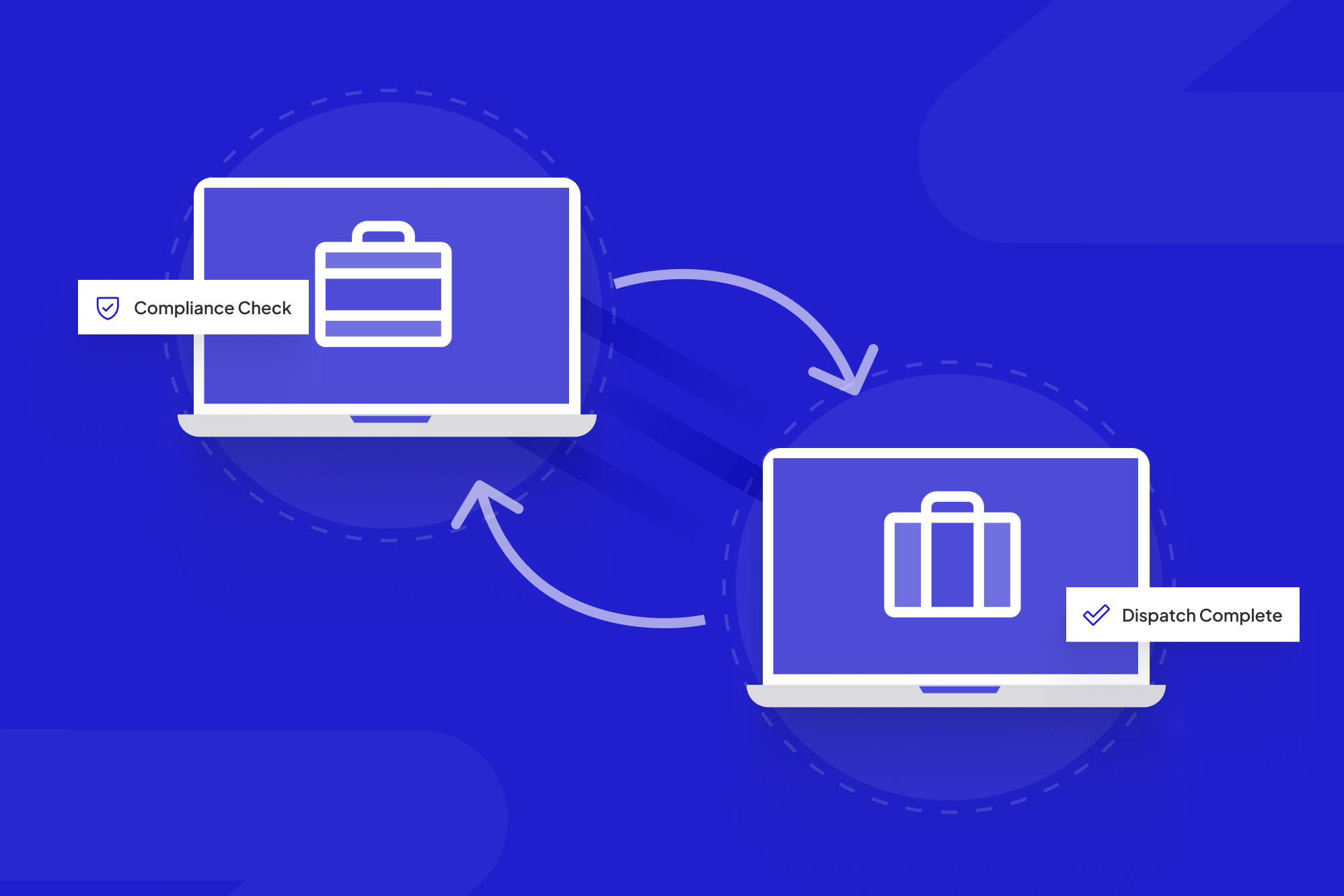

Connecting marketing automation workflows to last-mile operations gives teams a real-time view from form fill to field work.
In most B2B field operations, the story starts the same way: a vendor fills out a form on your website, hits submit, and then—silence. The form lands in someone’s inbox, maybe in a shared spreadsheet, and from there the real work begins: emailing PDFs, chasing signatures, checking licenses, nudging risk and compliance, and looping in dispatch.
You already pay for a CRM or marketing platform, but the marketing automation workflow usually stops at the thank‑you page. Meanwhile, the people who manage vendor onboarding and last‑mile work orders are wrestling with Outlook threads and ad‑hoc checklists.
This article shows how to connect those worlds: turning simple web form fills into a reliable, end‑to‑end flow that produces vetted vendors, clean compliance records, and ready‑to‑go field work orders.
TL;DR
- Most last‑mile B2B teams treat web forms as inbox generators, not workflow starters.
- A well‑designed automated marketing workflow can trigger onboarding tasks, compliance checks, and work orders directly from each form submission.
- Use email automation workflow steps for confirmations, document collection, reminders, and status notifications across vendors and internal teams.
- Start with one high‑value form (for example, “Become an approved vendor”), map 4 core stages, and automate around your existing CRM, ERP, and field tools.
Table of Contents
- What is a marketing automation workflow for last‑mile ops?
- The ugly reality: web form fills without automation
- From form fill to field work: 4 stages to automate
- Example: automated workflow for a utility contractor
- Designing an email automation workflow operations people like
- Building vs. buying: where generic tools fall short
- How ScaleLabs approaches last‑mile workflows
- Next steps: start small, prove value, then expand
What is a marketing automation workflow for last‑mile ops?
Classic marketing automation talks about lead scoring, nurture sequences, and MQLs. That world matters, but if you run utilities, logistics, construction, or field services, you care about something closer to the ground: getting vetted vendors and crews out to real‑world jobs with less back‑and‑forth.
In that context, a marketing automation workflow is a rules‑driven sequence that starts at your web form and ends when work is created, assigned, and completed in your operational systems. It doesn’t just send emails; it orchestrates people, checks, and systems.
Your automated marketing workflow might:
- Segment submissions by region, trade, risk level, or contract type.
- Trigger document collection (W‑9, COI, safety certifications) and push them into your DMS.
- Kick off background checks or KYC/AML reviews where required.
- Create draft work orders or service requests inside your field service or ERP tools.
Email automation workflow steps then keep everyone in the loop: vendors know what’s missing, internal teams know what’s waiting, and nothing lives solely inside one person’s inbox.
If you want a high‑level definition of marketing automation in general, this overview of marketing automation is a solid starting point. Here, we’re extending those concepts deep into operations.
If you want a deeper dive on the portal layer, this vendor portal guide breaks down how documents, approvals, and status updates stay in one place.
The Ugly Reality: Web form fills Without Automation
When we map processes for operations teams at ScaleLabs, the same pattern shows up again and again: the website is polished, but the moment someone submits a form, the journey turns into an email maze.

Without an automation workflow, every web form turns into more email, spreadsheets, and manual follow-up.
- Form submissions go to a shared inbox with no routing logic.
- Different teams maintain their own spreadsheets and checklists.
- Compliance and risk are pulled in late, often at the contract dashboard automation stage.
- Field schedulers hear about new vendors only when a manager forwards an email.
The result? Vendors get a confusing experience, internal teams duplicate effort, and leadership has thin visibility into how long onboarding or job readiness really takes.
Every web form is a promise. Without automation, you’re asking your team to keep those promises by hand, one email at a time.
The good news: you don’t need to rip out your CRM or ERP to fix this. You need a coherent workflow that connects the form on your site with the management softwares or tools your operations teams already use.
From form fill to field work: 4 stages to automate
Most last‑mile flows share the same backbone, whether you’re onboarding solar installers, maintenance crews, or specialty logistics vendors. You can think of it as four linked stages:
- Intake & qualification
- Vendor onboarding & compliance checks
- Work order creation & dispatch
- Feedback, invoicing & reporting

A well designed automation workflow for b2b carries clean data all the way from the web form to dispatched field work.
1. Intake & qualification
This begins on your site: a “Become an approved vendor” or “Request a field visit” form. The goal is to collect just enough information to route and qualify the request without scaring people off.
Well‑structured intake forms:
- Capture segmenting data (region, trade, capacity, certifications held).
- Attach submissions to existing CRM records where possible.
- Trigger different paths for high‑risk vs. low‑risk work.
The moment the form is submitted, your workflow tags the record, assigns an owner, sends a confirmation, and starts timers for service‑level expectations you care about.
2. Vendor onboarding & compliance checks
Next, the workflow turns a warm hand raise into a compliant vendor. Instead of emailing long lists of required documents, you can present vendors with a structured portal or link that walks them through each requirement in order.
Automation at this stage can:
- Generate a checklist based on vendor type and jurisdiction.
- Collect W‑9s, certificates of insurance, banking details, and safety documents.
- Kick off background checks or license validation where needed.
- Notify risk/compliance only when an excel file is ready for review.
If you’re curious how a custom vendor portal can support this step, we describe our approach on the vendor portal overview.
For teams with complex procurement, our supplier onboarding checklist shows how to turn these requirements into a clean, digital flow.
3. Work order creation & dispatch
Once a vendor is cleared, operations wants them on real work as quickly as practical. Here, the workflow hands off from marketing and compliance into your field tools.
Typical actions at this stage:
- Create draft work orders in your FSM or ERP system based on the original form.
- Assign jobs by region, skill set, or priority using rule sets you define.
- Send email and SMS notifications to vendors with next steps and SLAs.
- Alert dispatchers or regional managers when jobs need manual review.
When trucks, drivers, or installers are involved, a driver portal can close the loop between field and office. We break that down in our driver portal article.
4. Feedback, invoicing & reporting
The loop closes after work is completed. Many teams leave this part to chance, which means thin data and slow financials.
Your workflow can:
- Trigger post‑job feedback forms or quality checks.
- Collect time, materials, and evidence (photos, reports) in a structured way.
- Initiate invoicing flows once approvals are captured.
- Feed dashboards that show cycle times and bottlenecks across the whole process.
That’s where leadership finally sees the big picture instead of asking managers to stitch together stories from email threads.
Example: Automated Workflow for a Utility Contractor
To make this concrete, let’s walk through a simplified example from a regional utility bringing on new line‑maintenance contractors.
- Form fill. A contractor submits the “Become an approved maintenance vendor” form on your website. The form captures region, trade, crew size, and safety certifications.
- Automatic routing. The submission is tagged by region and risk level, then assigned to the right regional operations lead inside your CRM.
- Onboarding email sequence. An email automation workflow sends a welcome email with a secure link to upload COI, W‑9, and safety documentation, plus a progress bar so vendors see how close they are to approval.
- Compliance review. Once all documents are in, the workflow creates a review task for compliance with a checklist. If they approve, the status changes to “Ready for work.”
- Work order template. The system creates a “test job” work order in your field management tool, with instructions for a low‑risk maintenance task.
- Scheduling & notification. Dispatch schedules the test job. The contractor receives an automated confirmation email and SMS with the date, time window, and safety requirements.
- Post‑job wrap‑up. After the job, the contractor gets feedback and a timesheet form. Once submitted, your finance team receives a task to review and move forward with payment.
None of these steps needs to be heroic. The power comes from connecting data and actions across systems instead of expecting coordinators to remember every step by heart.
Designing an email automation workflow operations people like
Many teams treat email automation as a marketing toy. Operations staff often see it as extra noise in their inbox. The goal here is different: messages that do real work on behalf of your team.

The best email automation workflows are co-designed by marketing, operations, and IT so messages actually help people do their jobs.
A few design principles that help:
- Make every email answer “What now?” Each message should give the recipient a clear next step, whether that’s uploading a document, booking a time slot, or approving a record.
- Use plain language. People in the field do not speak in acronyms or campaign codes. Write like a colleague talking to another colleague.
- Expose status. Instead of “Your application is being reviewed,” share progress: “3 of 4 steps complete: we’re reviewing your safety documents next.”
- Match channels to moments. High‑stakes checkpoints (like safety approvals) might combine email with in‑app notifications or SMS, depending on your context.
- Keep logic simple. A few clear branches based on risk or region beat an overly clever flow that no one can troubleshoot later.
For many organizations, this is the moment marketing and operations teams start working from a shared playbook instead of separate worlds.
Building vs. buying: where generic tools fall short
Modern CRMs and marketing platforms are excellent at capturing leads and sending campaigns. They tend to be less helpful once you need to talk to field teams, compliance officers, or finance. That’s where many operations groups fall back to email and spreadsheets.
Industry research from firms like McKinsey Operations often highlights the same pattern: companies have powerful systems, but gaps between them slow everything down. Those gaps usually live in handoffs—exactly where last‑mile work happens.
You can buy more tools, but if they don’t reflect the way your organization actually works, the burden shifts back to people to stitch everything together manually. That is why many ScaleLabs clients choose custom workflows and portals sitting on top of their existing stack rather than yet another generic app.
If you’re curious how AI fits into these flows, our AI workflow automation guide walks through a real-world logistics example.
If you want a longer view on how operations shape customer experience, Harvard Business Review has written extensively about it; their operations and service insights are a helpful companion to the ideas in this article.
How ScaleLabs approaches last‑mile marketing automation workflows
ScaleLabs focuses on what we call AI for the real economy: utilities, logistics, construction, insurance, and other operations‑heavy sectors where delays and dropped handoffs are expensive.
When we build workflows that turn web forms into onboarding, compliance checks, and work orders, we follow a practical playbook:
- Map the real process. Sit with operations, compliance, and field leaders to sketch the current process end‑to‑end: who does what, in which system, with which approvals.
- Pick one high‑value form. Usually “Become a vendor,” “Request service,” or “Submit a work request.” That becomes the entry point for the first workflow.
- Connect existing systems. Integrate with your CRM, ERP, field management, and document storage rather than replacing them. AI checks handle data validation, routing, and flagging exceptions.
- Launch, measure, refine. Go live with a narrow scope, then watch measures such as onboarding time, number of emails per vendor, and percentage of vendors reaching “ready for work.”
Over time, organizations often extend the same pattern to broker onboarding, claims intake, installation scheduling, or even internal IT requests. The underlying principle stays the same: one form should light up a clear, trackable path through your business.
If this lines up with problems you’re seeing, you can read more about our philosophy and examples of past work on the ScaleLabs homepage.
Next steps: start small, prove value, then expand
You don’t need a massive transformation project to get value from automation. In fact, the fastest wins usually come from a single form and a handful of clear rules.
A simple plan for the next 30 days:
- Pick one web form that touches real‑world work (vendor onboarding or work requests).
- Gather a small group from marketing, operations, and compliance for a 60‑minute mapping session.
- List the 10–15 steps that usually follow a submission, and mark which ones can be automated safely.
- Design a basic automated flow: confirmation email, routing to the right owner, document checklist, and at least one integration with an existing system.
Once this first flow is running, you can extend the pattern into a structured vendor onboarding process with clearer approvals and reporting.
If you’d like a partner focused on operations-heavy teams in sectors like logistics, construction, manufacturing, and insurance, the ScaleLabs crew is glad to talk. Book a call and we’ll explore how your web forms can lead all the way to clean onboarding, confident compliance, and ready‑to‑go work orders.


