
Magic Link Authentication: Passwordless Login for Client & Vendor Portals

ScaleLabs helps ops-heavy B2B teams ship client portals and workflow automation that reduce email chaos, speed up onboarding, and improve visibility across the business.

Passwords used to be the default way to prove identity online. But in modern portals, especially those used by clients, vendors, and teams, they’re becoming a burden. Forgotten credentials, reset links, and password fatigue all add unnecessary friction.
That’s where magic link authentication comes in.
Instead of asking users to remember passwords, the system sends them a secure, one-time login link, often called an email magic link authentication. When the user clicks the link, they’re instantly signed in.
Think of it as “login by email”, simple for users, yet powerful for developers who want secure, passwordless access.
Here’s a quick comparison:
In short: Magic links remove the password step entirely while still verifying user identity, improving both security and user experience.**
How Magic Link Authentication Works?
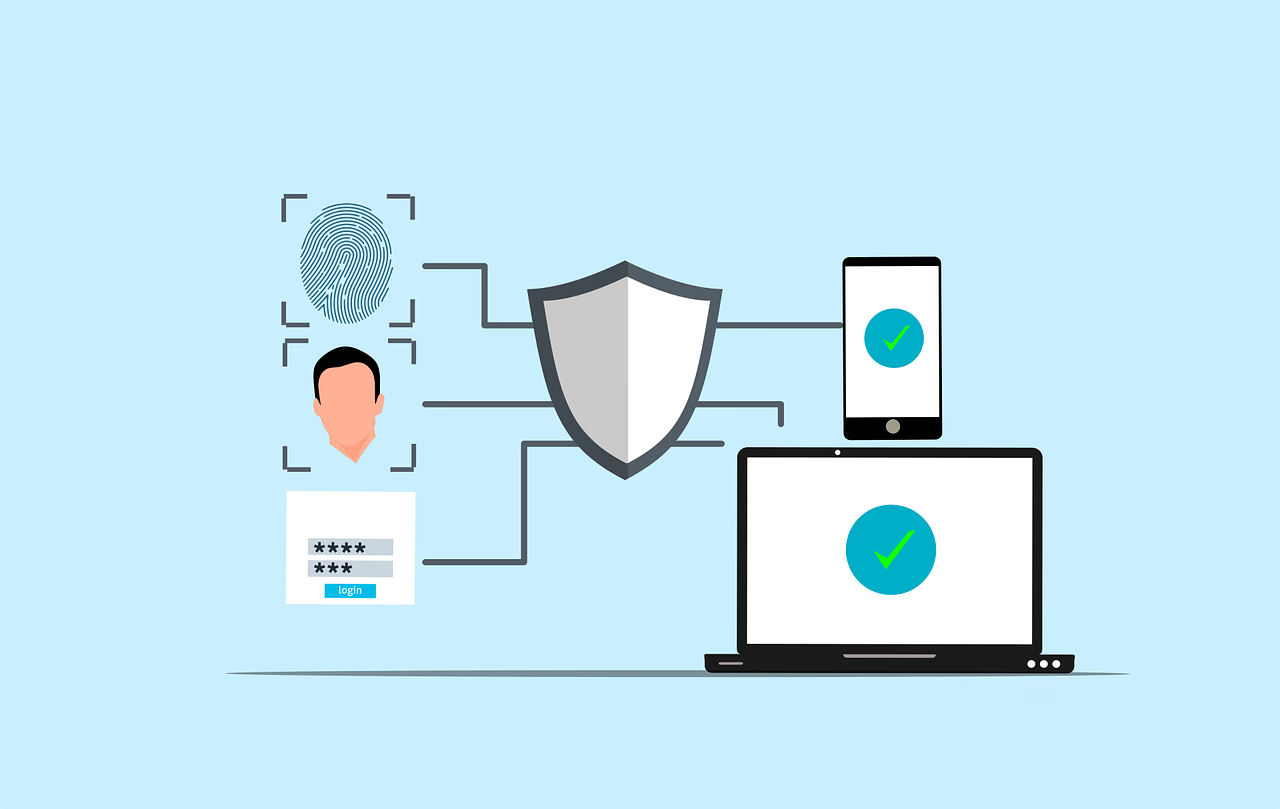
While the experience feels instant to the user, the technology behind it is structured and secure. Here’s what happens under the hood:
Step-by-Step Flow
- Login request: The user enters their email address on the login page.
- Token generation: The server creates a unique, cryptographically secure token tied to that user and request.
- Email dispatch: The system embeds the token in a one-time magic link and sends it through a verified mail channel (e.g., Amazon SES, SendGrid).
- User click: The user opens their email and clicks the link.
- Validation: The backend verifies the token’s authenticity, expiration time, and the email domain.
- Access granted: If valid, the session is created and the user is redirected to the portal, without needing a password.
How It Fits Inside Portals
In client or vendor portals, users often log in infrequently, once a month to upload invoices or approve requests. Magic links simplify access for them, reducing “forgot password” support tickets.
Token Behavior
- Each token is single-use and expires quickly (usually within 5–15 minutes).
- If unused or expired, it becomes invalid.
- Clicking an old link leads to a “Link expired” message prompting a new login request.
Example in context: A vendor trying to access an onboarding portal receives an email saying, “Click to access your dashboard.” They click once and enter directly, no password reset, no confusion.
Pro Tip: Magic links work best when combined with device checks and short expiration windows — keeping them secure while still frictionless.
Security Basics Behind Magic Links
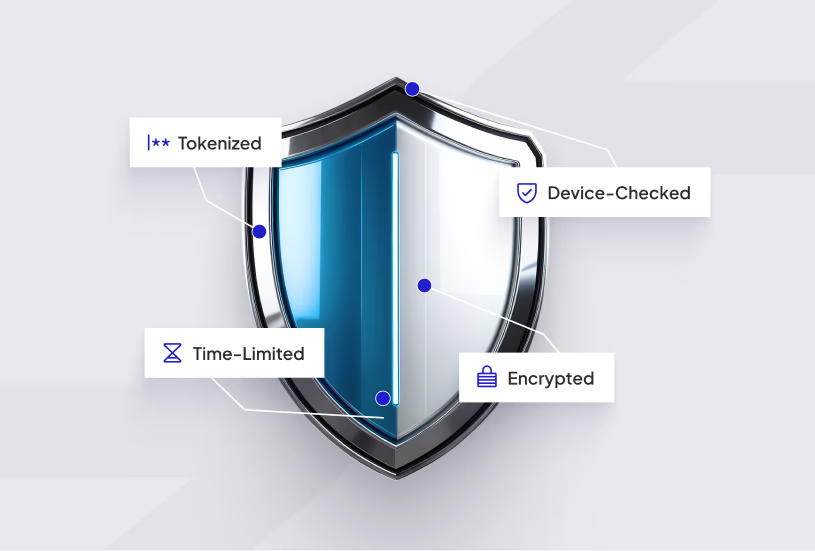
One of the first questions people ask about magic link authentication is:
“If there’s no password, can it really be secure?”
The answer is yes, when it’s implemented properly.
Magic links remove the weakest part of authentication (human-created passwords) and rely instead on time-sensitive, cryptographically generated tokens that are safer, faster, and easier to control.
- Tokenization and Encryption
Each time a user requests a magic link, the system generates a unique, random token using cryptographic algorithms (such as HMAC or SHA-based signatures). This token is then embedded in a URL that’s valid for a very short period, often just a few minutes.
When the user clicks the link, the system:
- Verifies that the token matches the record in the database.
- Confirms that it hasn’t expired or been used before.
- Immediately invalidates it once authentication succeeds.
This process makes token reuse or guesswork nearly impossible, even for sophisticated attackers.
Example: If a vendor clicks their login link from an old email 20 minutes later, the system denies access and asks for a new link, preventing token replay attacks.
- Short Expiry Windows and One-Time Use
A key part of magic link authentication security is strict time control. The shorter the window, the lower the risk. Most implementations use a lifespan between 5 and 15 minutes, depending on user flow.
Additionally, each token is single-use; even if someone forwards the email, the link won’t work after it’s been used once. This simple rule significantly limits exposure from compromised inboxes or phishing attempts.
- HTTPS, Verified Domains, and Anti-Phishing Layers
All magic link authentication systems should operate over HTTPS only. That ensures encrypted communication between the browser and the server, blocking man-in-the-middle attacks.
The link’s domain also matters. A legitimate portal link might look like:
https://auth.scalelabs.dev/login?t=unique_token_here
This makes it clear to users where they’re logging in from. Many companies also brand their magic link emails with consistent visuals (logos, domain names, color schemes) so users can easily spot phishing attempts.
Practical Tip: If your app uses a subdomain for authentication, always use the same sender name and domain pattern. Consistency builds user trust and helps prevent spoofing.
- Device and Session Validation
For added protection, modern portals often combine magic links with device recognition. When a user clicks their link, the system checks for:
- Device fingerprint or browser ID
- IP or geo-location consistency
- Previous session tokens
If something looks unusual (for example, a link opened from a different country or browser), the system can prompt a secondary check, such as a verification code or confirmation email.
This hybrid model keeps friction low while improving login safety, especially for client and vendor portals that contain sensitive data like contracts or payment details.
- Session Management and Revocation
Unlike traditional passwords that remain valid indefinitely, magic link sessions are designed to be short-lived and easily revocable. Admins can monitor every login request and end sessions remotely if suspicious activity is detected.
Audit logs record:
- The time of link generation
- The IP/device that accessed it
- When the token was used or expired
This makes it simple to trace security events and comply with data protection audits (GDPR, ISO 27001, etc.).
- Balance Between Convenience and Control
Security doesn’t have to come at the cost of convenience. Magic links prove that you can give users a smooth, one-click experience without exposing their credentials.
When paired with sensible controls, short expiry, HTTPS enforcement, device validation, and token logging, a magic link authentication system can often be more secure than traditional password setups.
User Experience (UX) Benefits of Magic Link Authentication
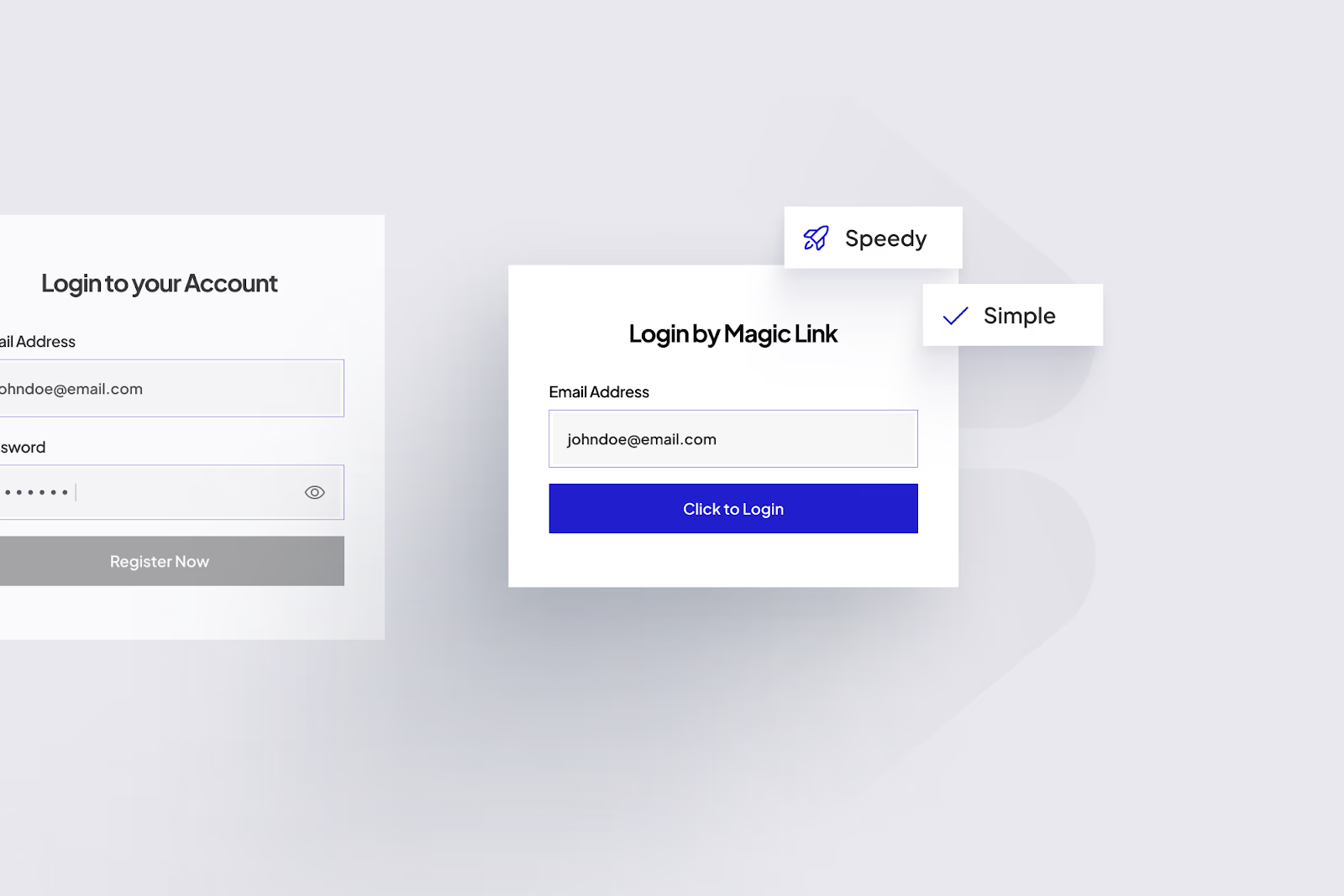
A secure system is only effective if people actually use it. Magic links shine here; they remove the most frustrating part of login: remembering passwords.
- No Password Fatigue
Users don’t have to invent, store, or reset passwords. They simply click a link that lands in their inbox. For client or vendor portals, this eliminates forgotten-password requests that clog support queues and interrupt business workflows.
Example: A freelance vendor logs in once a month to submit invoices. Instead of searching for an old password or triggering resets, they just click “Send me a magic link” and gain instant access.
- Frictionless Access Across Devices
Because the link travels via email, users can start on one device and finish on another. Someone can request the link from a desktop and open it on their phone when traveling, perfect for distributed teams or external partners.
This cross-device convenience is one reason SaaS tools like Slack, Notion, and Figma have adopted email magic link authentication for their logins.
- Fewer Failed Logins and Support Tickets
With passwords, every extra field or rule (symbols, numbers, minimum length) adds friction. Magic links reduce that to one click, which means:
- Higher login success rates
- Fewer “invalid password” errors
- Less admin time spent on resets
It’s not just faster, it builds trust by making the product feel effortless.
- Familiar and Accessible Experience
Email is universal. Even non-technical users understand how to click a verification link. That makes magic links especially useful in industries with broad audiences, suppliers, contractors, and small business clients, where technical comfort levels vary.
Portals that adopt magic link authentication become easier for everyone, regardless of their tech background.
- Subtle Security Confidence
From a UX point of view, users perceive magic-link login screens as safer because they don’t expose passwords on public devices. When combined with short-expiry links and clear confirmation messages (“This link expires in 10 minutes”), it creates both a feeling and a reality of controlled access.
Mini CTA: Want your portal to feel as smooth as your favorite SaaS app?
ScaleLabs can build passwordless access flows using magic link authentication that keep users safe and happy.
Best Use Cases for Magic Link Authentication
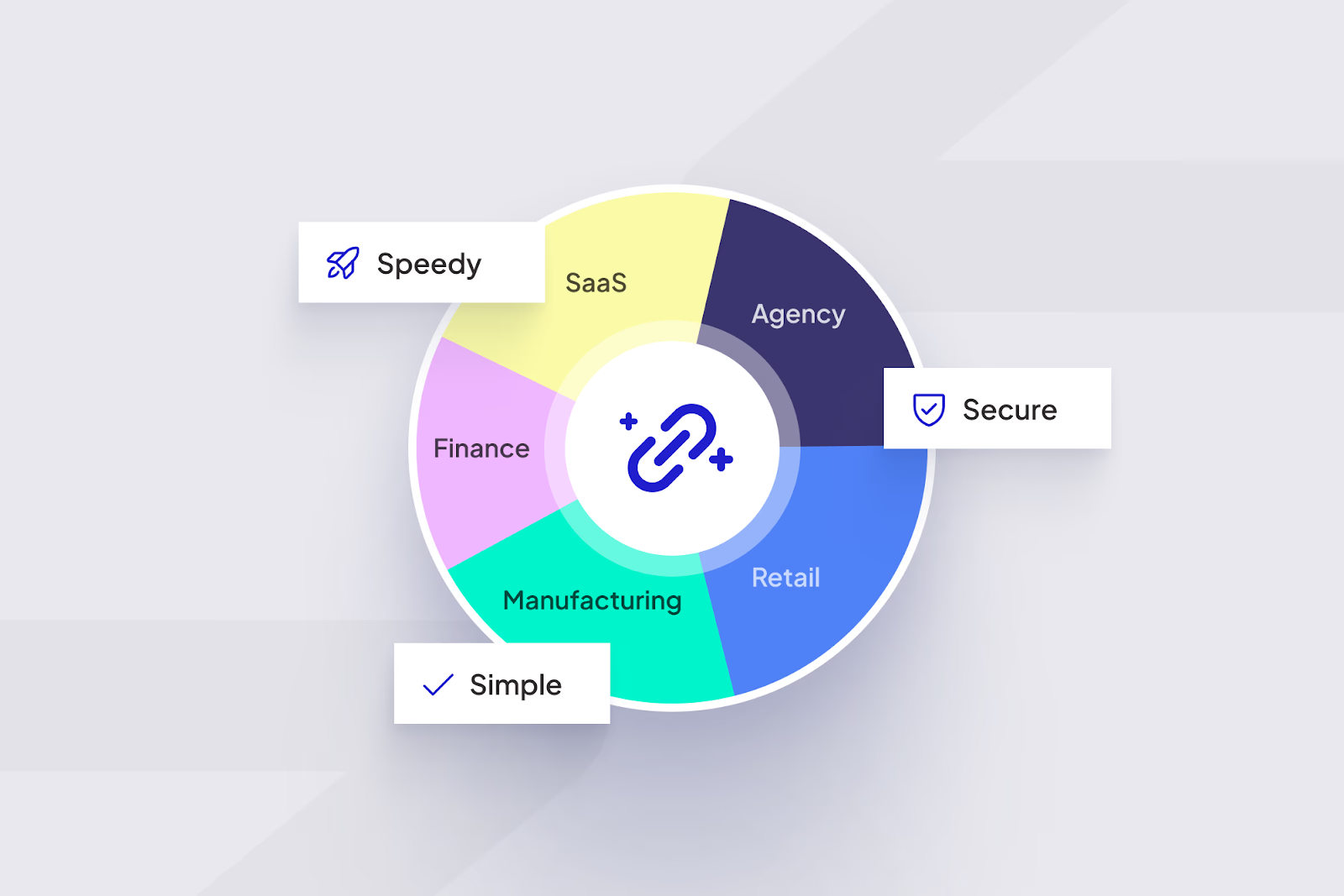
Magic links aren’t a universal solution for every type of access, but when used in the right context, they dramatically improve usability. Here’s where they deliver the most value.
- Client and Vendor Portals
For businesses that manage external relationships, magic links reduce login complexity. Clients and vendors can:
- Access documents, invoices, or project boards without memorizing passwords.
- Log in securely from invitation emails already verified by your system.
- Receive time-limited access that meets compliance standards.
Example: A procurement manager invites 20 vendors to upload compliance documents. Each vendor gets a secure email magic link authentication that expires after 10 minutes, fast, trackable, and secure.
- Short-Session Applications
Apps that users open occasionally, like analytics contract dashboards or event registration portals, benefit from magic links because people don’t need constant access. Instead of remembering a login they use once a month, users authenticate through a one-click email link that grants access only for that session.
- Freemium and Public Beta Tools
Startups testing new products often prefer magic links because they:
- Lower signup barriers (no password field = higher conversion).
- Simplify onboarding for early users.
- Let teams focus on product feedback instead of account recovery.
Platforms such as Medium, Substack, and Typeform rely on passwordless links for quick, low-friction onboarding.
- Internal Portals and Temporary Access
Magic links also fit well for internal tools that need lightweight authentication, for example, HR dashboards, project trackers, or partner sandboxes. Admins can generate single-session links for employees or auditors without creating long-term accounts.
Example: An HR team gives a consultant access to payroll reports for 24 hours through a magic link authentication email, no account creation needed, yet still secure.
- Customer Support and Account Recovery Flows
Even if your main login uses passwords, magic links can simplify password reset and account recovery processes. A well-designed portal can let users choose:
“Forgot your password? Get a magic link instead.”
This hybrid model keeps both convenience and control in balance.
Quick Comparison: When Magic Links Work Best
Build Secure, Frictionless Logins with ScaleLabs
Passwordless authentication shouldn’t just sound futuristic; it should feel natural. With magic link authentication, you can give your users a login flow that feels effortless yet remains fully protected under the hood.
At ScaleLabs, we build portals where:
- Logins are one click, not a chore.
- Tokens expire safely within minutes.
- Emails carry your brand identity and domain trust.
- Security isn’t a feature; it’s the foundation.
Ready to rethink how your users log in? Talk to the ScaleLabs team about integrating magic link authentication into your client or vendor portal, where convenience meets confidence.
Frequently Asked Questions
What is magic link authentication?
Magic link authentication is a passwordless login method where users receive a one-time secure link by email. Clicking the link instantly verifies identity and grants access, no password required.
Is magic link authentication secure?
Yes, when built correctly. Security comes from single-use encrypted tokens, short expiration windows, and verified sender domains. These layers make magic link authentication safer than storing static passwords.
How long do magic links stay valid?
Most email magic link authentication systems set a lifespan of 5–15 minutes. After that, the token expires and can’t be reused, keeping access short and traceable.
Can magic links replace passwords completely?
For many client and vendor portals, yes. Magic links remove the need for password resets and reduce login friction. However, high-security platforms may combine them with multi-factor authentication.
What happens if a magic link email is forwarded?
Forwarded links won’t work once used or expired. Each token is tied to a single user session, preventing others from reusing it even if they receive the same message.


