
What Is a Vendor Portal? How It Speeds Up Onboarding and Approvals

ScaleLabs helps ops-heavy B2B teams ship client portals and workflow automation that reduce email chaos, speed up onboarding, and improve visibility across the business.
A vendor portal is an online platform where companies and their suppliers can connect, share documents, and manage business tasks without the constant back-and-forth emails or calls. Think of it as a shared workspace where both sides stay updated on orders, approvals, and payments.
In simple terms, it’s like giving vendors their own secure dashboard to handle everything from submitting tax documents to tracking invoice status.
Many businesses today rely on vendor portal software to simplify communication, reduce manual entry, and make approvals faster. For growing teams handling multiple suppliers, these tools are not just “nice to have”; they’re essential for smooth operations.
Pro Tip: A good automated vendor management portal doesn’t replace people; it reduces repetitive work so teams can focus on strategy and relationships.
Why Businesses Use Vendor Portals
Before vendor portals existed, managing suppliers and onboarding them meant dealing with long email chains, misplaced documents, and inconsistent updates. Each department (finance, legal, procurement) often had its own process, creating confusion and delays.
A vendor management portal changes that by giving everyone a single, digital space to work from. Here’s how it helps:
- Centralized communication: All conversations and updates are logged inside the portal.
- Faster approvals: Automated workflows cut down waiting time.
- Fewer errors: Data entry and document tracking are handled digitally.
- Transparency: Both sides can see real-time status updates.
- Compliance: Documents and verifications are stored securely for audits.
Example scenario: A retail company onboarding 100 new suppliers can use vendor portal software to collect all vendor contracts, tax forms, and bank details in one place, saving hundreds of emails and manual checks.
How a Typical Vendor Flow Works
Every business has its own workflow, but most follow a similar pattern. Here’s a simple breakdown of how a vendor onboarding flow usually works inside a portal:
Quick CTA: If your vendor approvals still happen over email or spreadsheets, it’s time to switch. ScaleLabs can help you create a custom vendor portal that fits your workflow perfectly.
Key Documents and Approvals Managed Inside a Portal
Vendor portals make document management easier by allowing role-based access and automation. Here’s what’s typically handled:
- Compliance forms (tax registration, W-9, VAT, or trade licenses)
- NDAs and contracts with digital signatures
- Bank details and invoices stored securely
- Performance reports and audit logs for compliance
- Product or service certifications uploaded by vendors
Approvals can follow a multi-step process:
- Procurement checks the basic vendor info.
- Finance verifies bank and payment data.
- Legal reviews and signs off on contracts.
This automated chain not only prevents missed approvals but also keeps every action traceable.
For Example: A manufacturing firm can set its vendor portal to auto-notify the finance team when a vendor updates payment details, reducing risk and manual chasing.
Benefits of Using Vendor Portal Software

An AI integrated vendor portal software does more than store documents; it reshapes how companies work with their vendors. Instead of chasing files or waiting on replies, everything happens in one transparent, automated space.
Here’s what that actually means for teams day-to-day:
Quick Table: Benefits at a Glance
- Faster Onboarding and Approval Cycles
Manual onboarding often takes weeks, collecting forms, confirming details, and chasing approvals. With a portal, vendors handle most of it themselves.
Example: When a vendor registers, the system automatically requests required documents, verifies details (like tax ID or bank info), and notifies the procurement or finance team for approval. That reduces waiting time and gets new suppliers active within days. Businesses can scale vendor partnerships faster without extra staff. 2.
- Centralized and Organized Communication
Instead of scattered email threads, every conversation, comment, or document update happens inside the portal.
- Teams can tag colleagues, leave notes, or approve directly.
- Vendors can check document status in real time.
- All messages are stored in one timeline view for reference.
This not only reduces confusion but also gives teams a clear record if there’s ever a dispute. 3.
- Improved Accuracy and Error Reduction
Even small data entry errors (like wrong payment details) can lead to major issues.
Vendor portals solve this by automating repetitive tasks and validating inputs before submission.
For example: If a vendor uploads an invoice with a missing tax field, the system flags it immediately, saving both sides from rework or payment delays. This improves trust and reliability between both parties since fewer manual mistakes slip through. 4.
- Greater Visibility and Performance Tracking
A modern vendor management portal includes dashboards that show KPIs like:
- Average approval time per department
- Pending vs. completed vendor profiles
- Payment turnaround rate
- Vendor satisfaction feedback
With these insights, companies can identify bottlenecks and fix them quickly.
Example: If legal approvals take twice as long as finance approvals, the team can automate contract templates or set up reminders to balance workloads. 5.
- Secure and Compliant Document Handling
Vendor data often includes sensitive details, tax forms, IDs, or banking info. Portals use role-based access and data encryption to make sure only authorized people can view or edit those files.
- Admins control who can approve or download documents.
- All actions (uploads, edits, approvals) are logged for audits.
- Data is stored in compliance with local regulations (GDPR, ISO, etc.).
This builds confidence among vendors and reduces legal or financial risks for the company. 6.
- Lower Operational Costs
It’s not just about saving time; automation reduces actual spending:
- Less manual paperwork and fewer staff hours on follow-ups.
- Fewer vendor disputes and resubmissions.
- Reduced dependency on multiple tools (email, file sharing, project trackers).
Example: A company managing 500 vendors can save dozens of work hours weekly just by automating document collection and payment tracking. 7.
- Easier Collaboration Across Departments
Procurement, finance, and legal teams often depend on one another to finalize a vendor profile. A vendor portal makes this seamless:
- Procurement approves vendor details.
- Finance reviews bank and tax data.
- Legal signs off on digital contracts.
All teams operate in sync, with visibility into what’s done and what’s pending.
Essential KPIs to Track Vendor Performance
Once a vendor portal is in place, the next step is measuring its impact. The right KPIs (Key Performance Indicators) help you understand how efficiently your vendors and internal teams are operating. Here are a few practical metrics to track inside your dashboard:
Onboarding Completion Rate
Shows how many vendors have successfully completed registration and submitted all required documents. A low completion rate may suggest friction points, for example, confusing forms or slow internal reviews.
Average Approval Time
Tracks how long it takes from document submission to approval. If legal or finance approvals consistently take too long, automation or template-based workflows can help reduce delays.
Document Rejection Rate
Indicates how often vendors submit incorrect or incomplete forms. A high rejection rate often points to unclear requirements or outdated templates.
Payment Turnaround Time
Measures the average time between invoice submission and payment release. Vendors appreciate timely payments, and this KPI directly affects vendor satisfaction.
Vendor Satisfaction Score
Can be gathered through portal-based surveys. Happy vendors tend to prioritize you over competitors, which strengthens long-term relationships.
Examples of Vendor Portal Use Cases
Vendor portals aren’t limited to one type of business; companies across industries use them to speed up onboarding, streamline approvals, and build reliable supplier relationships. Below are four real-world examples showing how different teams benefit. 1.
- Manufacturing & Procurement — Siemens
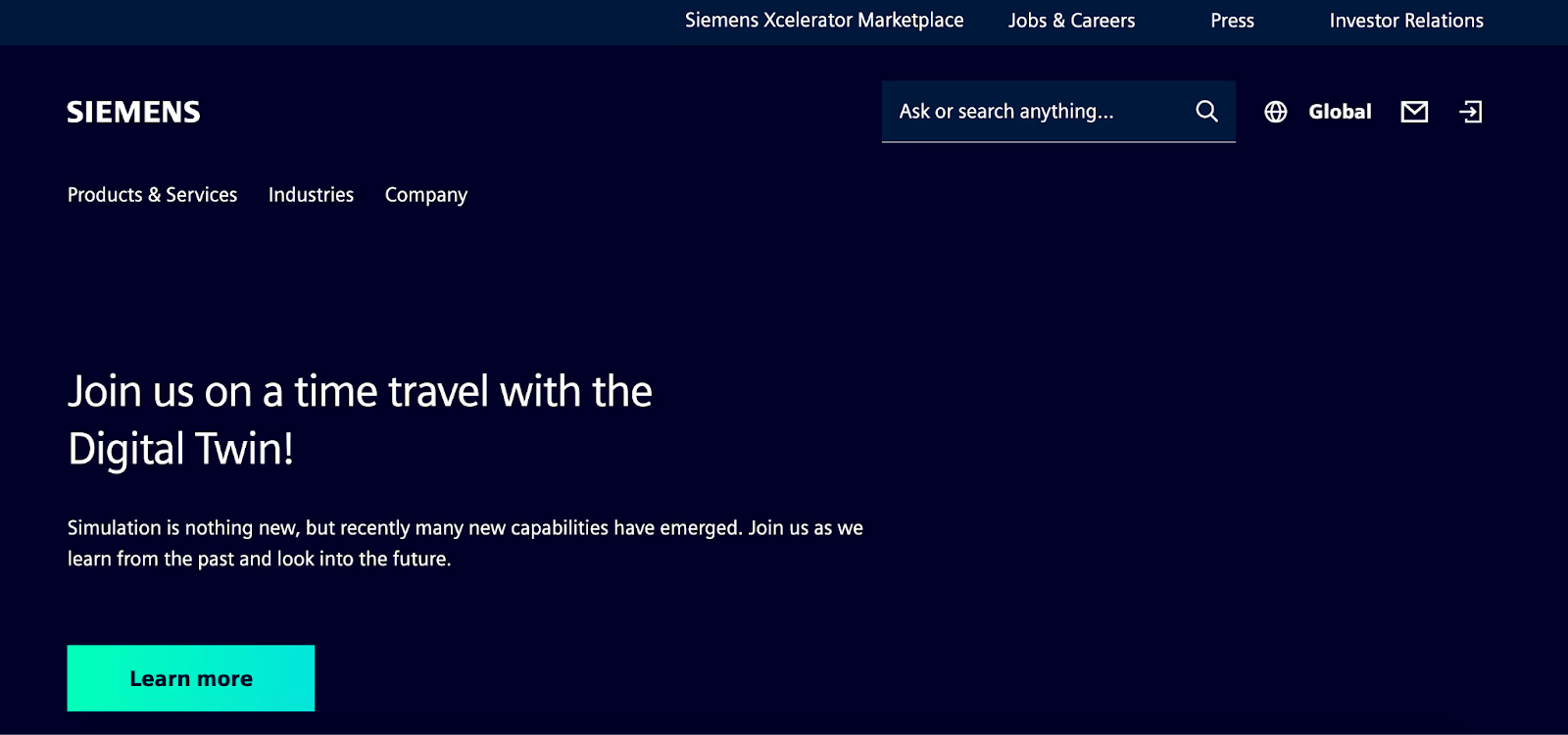
Source: Simens
Siemens, one of the world’s largest industrial manufacturers, manages thousands of suppliers globally. Their vendor management portal (Supplier Portal) allows partners to:
- Register and upload ISO certifications, tax records, and banking details.
- Receive instant notifications when a purchase order is issued.
- Track shipment status and payment progress in real time.
Result: Siemens shortened supplier onboarding from weeks to days and reduced manual document handling dramatically. 2.
- Marketing & Creative Agencies — Accenture Marketing Operations
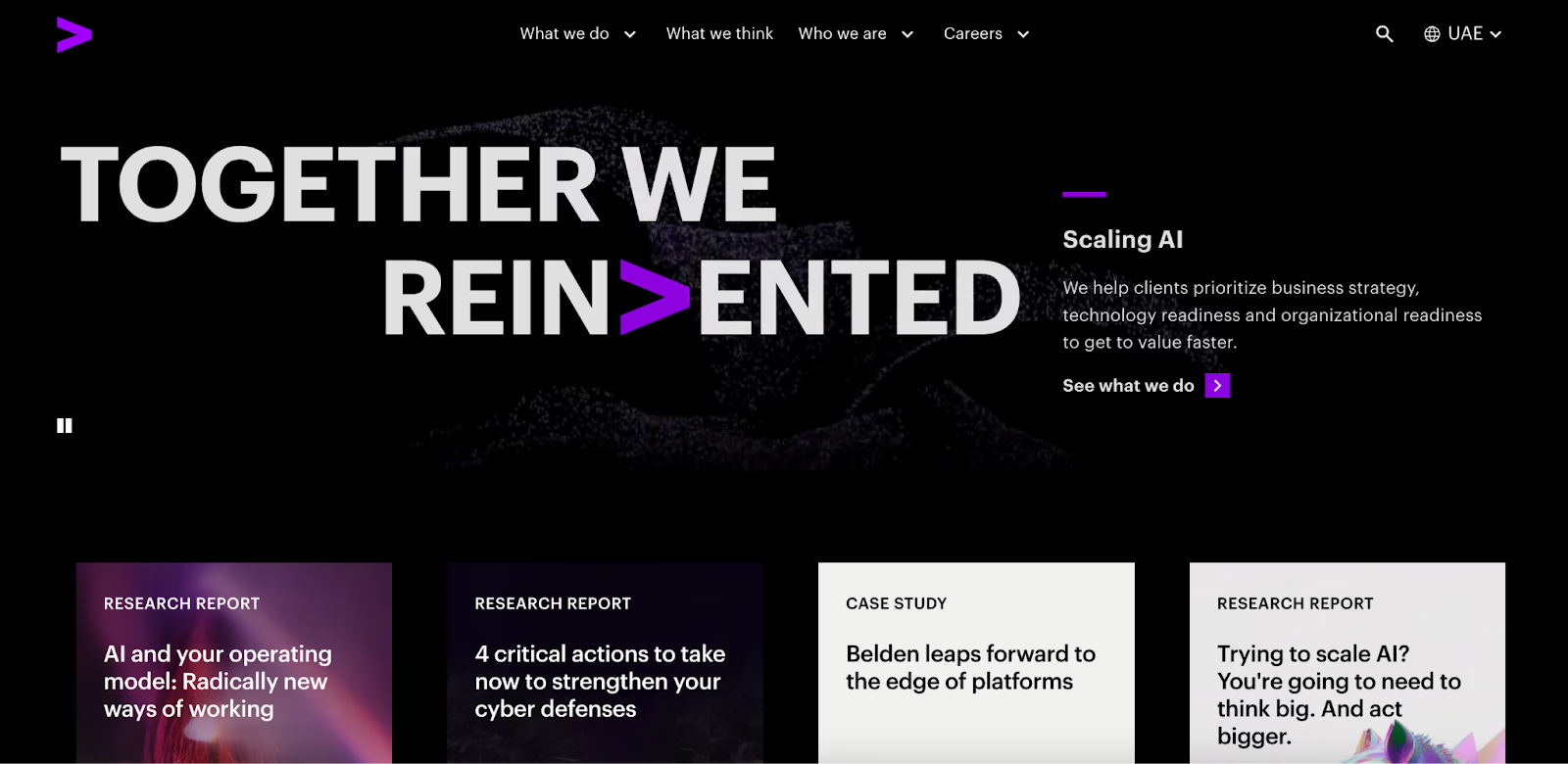
Source: Accenture
Accenture manages a global network of marketing vendors, from video producers to localization agencies. Using an internal vendor portal software, their teams can:
- Approve new vendor contracts through automated workflows.
- Manage campaigns, deliverables, and invoices from one dashboard.
- Maintain audit-ready documentation for compliance teams.
This setup saves their regional teams countless hours in back-and-forth coordination while keeping creative delivery on schedule. 3.
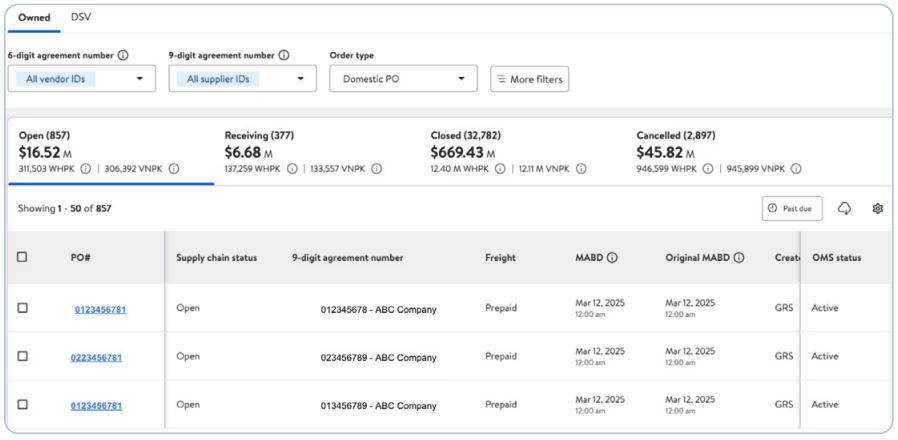
- Retail & eCommerce — Walmart Supplier Center
Source: Walmart Supplier
Walmart’s Supplier Center is a classic example of a large-scale vendor portal. It enables vendors to:
- Manage product listings, pricing, and shipping updates.
- Access analytics dashboards to monitor sell-through rates.
- Handle compliance documents and tax forms digitally.
With millions of SKUs and global suppliers, this system keeps Walmart’s supply chain running smoothly and transparently. 4.
- SaaS & Technology — Oracle Supplier Portal

Source: Oracle
Oracle’s Supplier Portal connects its vendors and internal procurement team on a unified platform. Through this system, suppliers can:
- Submit invoices directly from their account.
- Track approval status and payment timelines.
- Access shared performance metrics through dashboards.
It’s fully integrated with Oracle ERP, allowing seamless data exchange between procurement, finance, and vendor management.
Common Features to Look For in a Vendor Management Portal
When evaluating or building a vendor management portal, focus on the features that make day-to-day operations smoother, not just “nice-to-have” add-ons.
- Secure Login and Access Control: Every vendor gets unique credentials with defined permissions. Admins decide who can upload, approve, or download files, keeping sensitive data safe.
- Custom Workflows: Not every business approves vendors the same way. A custom workflow feature allows you to define your own sequence—like “Procurement → Finance → Legal” or “HR → Admin → Accounts”—and automate reminders when something stalls.
- CRM, ERP, or Accounting Integrations: Integrating your portal with tools like Salesforce, SAP, or QuickBooks ensures data stays consistent across systems. For example, once a vendor is approved in the portal, their profile automatically syncs with your accounting software for payments.
- Notifications and Alerts: Real-time alerts help both vendors and internal teams stay on top of actions, such as “Document approved,” “Contract expiring soon,” or “Invoice pending.”
- Document Version Control: Each file update is timestamped, with the option to restore older versions if needed. This is especially valuable for compliance-heavy industries.
- Analytics and Reporting: Visual dashboards show trends like average onboarding time, vendor performance, and payment delays, helping leadership make informed decisions.
When to Build a Custom Vendor Portal
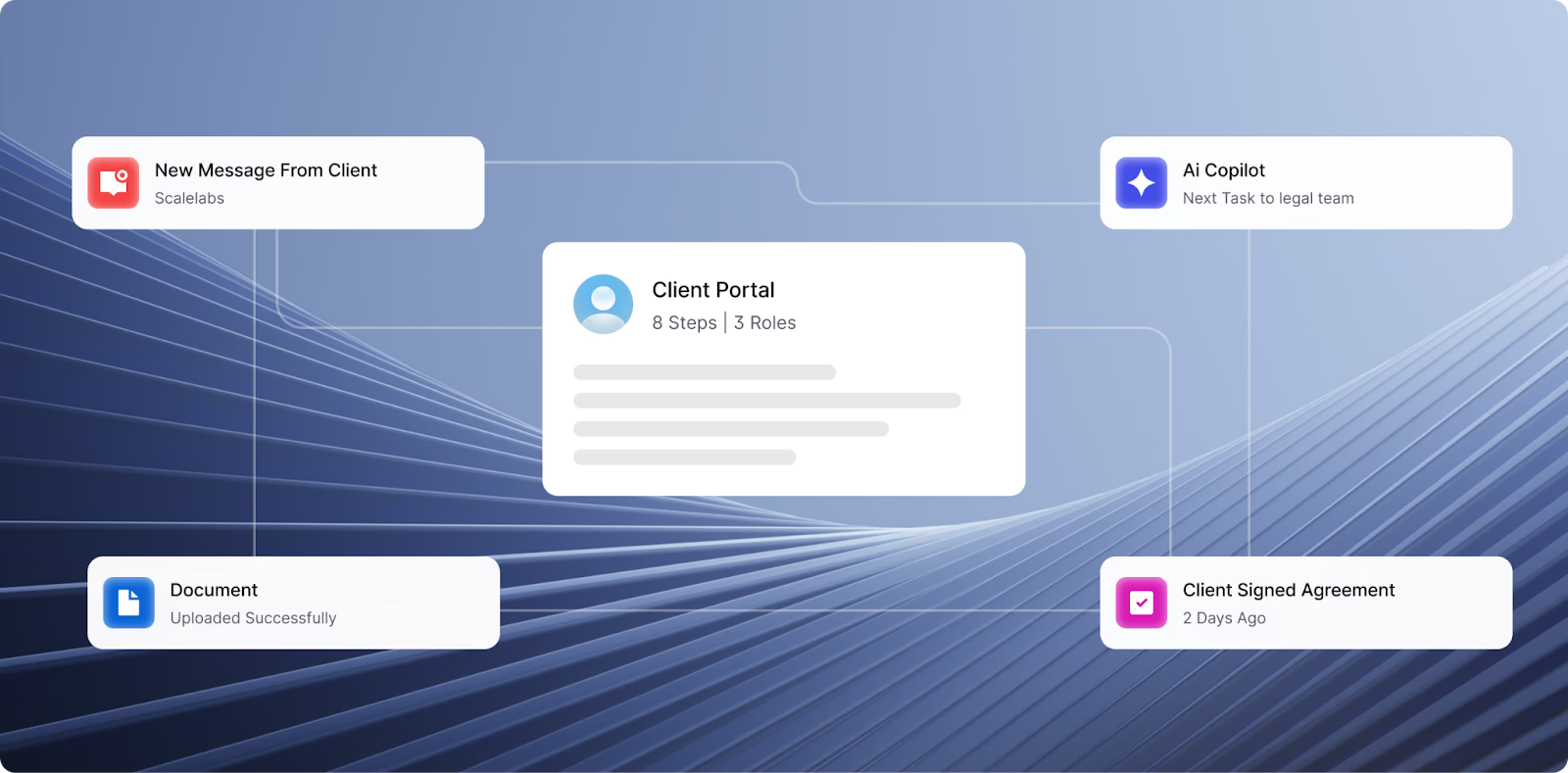
Off-the-shelf solutions are great for starting out, but as businesses grow, they often hit limits. That’s when a custom vendor portal becomes worth the investment.
Here are signs you’ve outgrown generic software:
- You manage multiple vendor types (freelancers, suppliers, partners) with different approval chains.
- You need integrations with in-house tools or CRMs not supported by public apps.
- Your vendors operate globally and require region-specific compliance steps.
- Existing software can’t handle your approval or reporting needs.
A custom solution lets you design the flow around your actual process, not the other way around.
Example:
If your procurement process requires internal budget validation before legal approval, ScaleLabs can design a workflow that automatically routes requests through those stages, with real-time status tracking and alerts.
Build a Vendor Portal Custom to Your Business
Managing vendors manually slows everything, from approvals to payments. A custom vendor portal brings speed, transparency, and automation together in one secure system.
At ScaleLabs, we build AI-driven vendor management portals designed for real-world use:
- Custom workflows that match your approval process
- Document automation with secure uploads and e-signatures
- CRM and ERP integrations to sync data across tools
- Real-time dashboards to track vendor performance and KPIs
Looking to simplify vendor onboarding and approvals? Reach out to ScaleLabs, and let’s build a portal that fits your business, not the other way around.
Frequently Asked Questions
What is the main purpose of a vendor portal?
A vendor portal gives suppliers and companies a shared online space to exchange information, upload documents, and manage approvals. It reduces email back-and-forth and helps both sides stay updated on orders, invoices, and payments in real time.
How does vendor portal software improve onboarding?
With vendor portal software, vendors can register, submit documents, and get approved without long manual processes. The system automates checks, sends alerts, and routes approvals to the right departments, making onboarding faster and more organized.
Is a vendor management portal secure for financial documents?
Yes. A vendor management portal uses encrypted storage, secure logins, and role-based access to protect sensitive files like tax forms and bank details. Only authorized users can view or approve those documents, which keeps your data safe and compliant.
Can I integrate a vendor portal with my CRM or ERP system?
Absolutely. Most vendor portal software can connect with popular tools such as Salesforce, SAP, or QuickBooks. Integrations keep data in sync, so once a vendor is approved in the portal, their details automatically update in your CRM or ERP.
What’s the difference between a supplier portal and a vendor portal?
Both serve a similar purpose but focus on slightly different relationships. A supplier portal often handles raw material providers and logistics, while a vendor portal manages service providers, contractors, or partners. In many cases, companies use the terms interchangeably.


