
How to Secure Client Portal Systems for Modern Businesses

ScaleLabs helps ops-heavy B2B teams ship client portals and workflow automation that reduce email chaos, speed up onboarding, and improve visibility across the business.

TL;DR
- Most portals start as “file drop boxes” and quietly turn into security liabilities.
- Start with fundamentals: identity, least privilege, encryption, audit trails, and secure defaults.
- Look for secure client portal software that supports SSO, MFA, fine grained roles, and clear logging.
- Make your secure client document portal easy to use, or users will fall back to email and shared drives.
- Treat your portal as a product: monitor usage, review access, and keep a living security checklist.
- If you need something built around your real world workflows, consider a custom portal with enterprise grade controls baked in from day one.
In most operations heavy businesses, client portals start with good intentions: a place where brokers, vendors, or customers can log in, upload documents, and see what happens next. Then reality hits. Passwords get reused, spreadsheets float around, and before long your “portal” is just another inbox with a login screen. If that sounds familiar, you’re not alone. The good news: with the right foundations, you can turn that into a secure client portal that your CISO trusts and your operations teams actually enjoy using.
This guide is written for leaders in utilities, logistics, construction, insurance, real estate, and other “real economy” sectors who live with high stakes workflows and demanding auditors. We’ll walk through the security building blocks of a modern portal, what to look for in portal software built for secure client access, and how ScaleLabs thinks about security when we design custom portals that slot into your CRM, ERP, and document systems.
By the end, you should have a clear checklist you can share with your CIO, security team, or implementation partner and say: “Here’s what our client portal needs to do safely.”
Why client portal security matters more than ever
For many operations teams, the portal is where the outside world touches your internal systems. Vendors upload insurance certificates, customers share IDs, brokers send contracts, and field partners complete compliance forms. That mix usually includes personal data, financial details, and commercially sensitive documents.

When that flow runs through email and shared drives, you already feel the risk. A portal helps, but only if it truly controls who can see what, and when. A misconfigured permission setting, an exposed file link, or a shared account can lead to the kind of incident that keeps executives awake at night and stalls key projects.
On top of that, regulations have moved. Frameworks like SOC 2, ISO 27001, and privacy laws such as the GDPR or sector specific rules in insurance and healthcare now expect clear access controls, audit logs, and deletion practices. Your portal becomes part of that story, not a separate island.
ScaleLabs often meets teams whose “portal project” quietly failed because clients did not trust it with real data or because security teams blocked rollout at the last mile. Both are fixable with the right design from the start.
Core security principles for any secure client access portal
Before choosing tools or features, it helps to ground your portal in a few security principles that come up again and again in frameworks like the NIST Cybersecurity Framework and the OWASP Top 10.

1. Identity first: know exactly who is logging in
- Use Single Sign On (SSO) and SAML or OpenID Connect where possible, so users authenticate through a trusted identity provider.
- Require Multi Factor Authentication (MFA) for higher risk actions such as signing contracts, viewing sensitive reports, or updating bank details.
- Ban shared accounts; give each person their own identity with roles and permissions.
2. Least privilege: limit what each user can see and do
- Implement role-based access control (RBAC) and, when needed, more granular, attribute based rules.
- Scope access by organization, region, project, or deal whatever matches how your business actually runs.
- Review roles regularly so that temporary access does not become permanent.
3. Defense in depth: layers, not single gates
- Encrypt data in transit (TLS) and at rest.
- Separate environments (production, staging, test) and keep client data in production only.
- Use application firewalls and rate limiting to reduce the impact of automated attacks.
4. Visibility: detailed audit trails and alerts
- Log logins, permission changes, file uploads, downloads, and sensitive data views.
- Feed logs into your SIEM or logging stack so security teams can correlate portal activity with the rest of your systems.
- Trigger alerts for unusual behavior, such as mass downloads or access from new countries.
When ScaleLabs designs portal workflows, we start from these principles, then shape the experience so they feel natural to your users rather than like a stack of speed bumps. If you’re mapping requirements, treat your portal as part of a larger client & vendor toolkit, not a one off form.
Must have capabilities in secure client portal software
Whether you are configuring an off the shelf product or commissioning a custom build, there are some baseline capabilities that define secure client portal software today.
Authentication and access
- Support for SSO (SAML, OAuth2/OpenID Connect) with your identity provider.
- MFA with options like authenticator apps or hardware keys.
- Granular roles for administrators, internal staff, and external users.
Data security and isolation
- Encryption at rest using modern ciphers, with keys managed by a reputable provider or your own KMS.
- Logical tenant isolation, so one client can never see another client’s data even through misconfigured filters.
- Configurable data retention and deletion policies.
Compliance friendly logging and reporting
- Exportable audit logs you can hand to auditors for SOC 2, ISO 27001, or similar frameworks.
- Reports on file access, permissions changes, and failed logins.
- Integration with your SIEM or logging tool.
Many teams discover that generic ticketing or file sharing tools lack these controls or bolt them on as an afterthought. That is one reason operations heavy organizations often choose a custom portal built on top of their existing systems. ScaleLabs’ AI workflow layer can sit behind your portal to route work safely while preserving these controls end to end.
Designing a secure client document portal people actually use
A secure client document portal that nobody likes will not stay secure for long; users will fall back to email, texting PDFs, or consumer file sharing links. Security and usability have to move together.
What makes a document portal “secure enough” for real workloads?
- Uploads are scanned for malware and file types are restricted to what you truly need.
- Users see only the folders and documents that relate to their organization, deal, or claim.
- Links expire automatically and cannot be forwarded to bypass authentication.
- Version history is clear, so nobody signs the wrong document by accident.
Design choices that keep people out of email
- Clear checklists that show what is missing, not just a file drop.
- Notifications that bring users back into the portal instead of sharing attachments.
- Simple ways to ask questions inside the portal, rather than starting a side email thread.
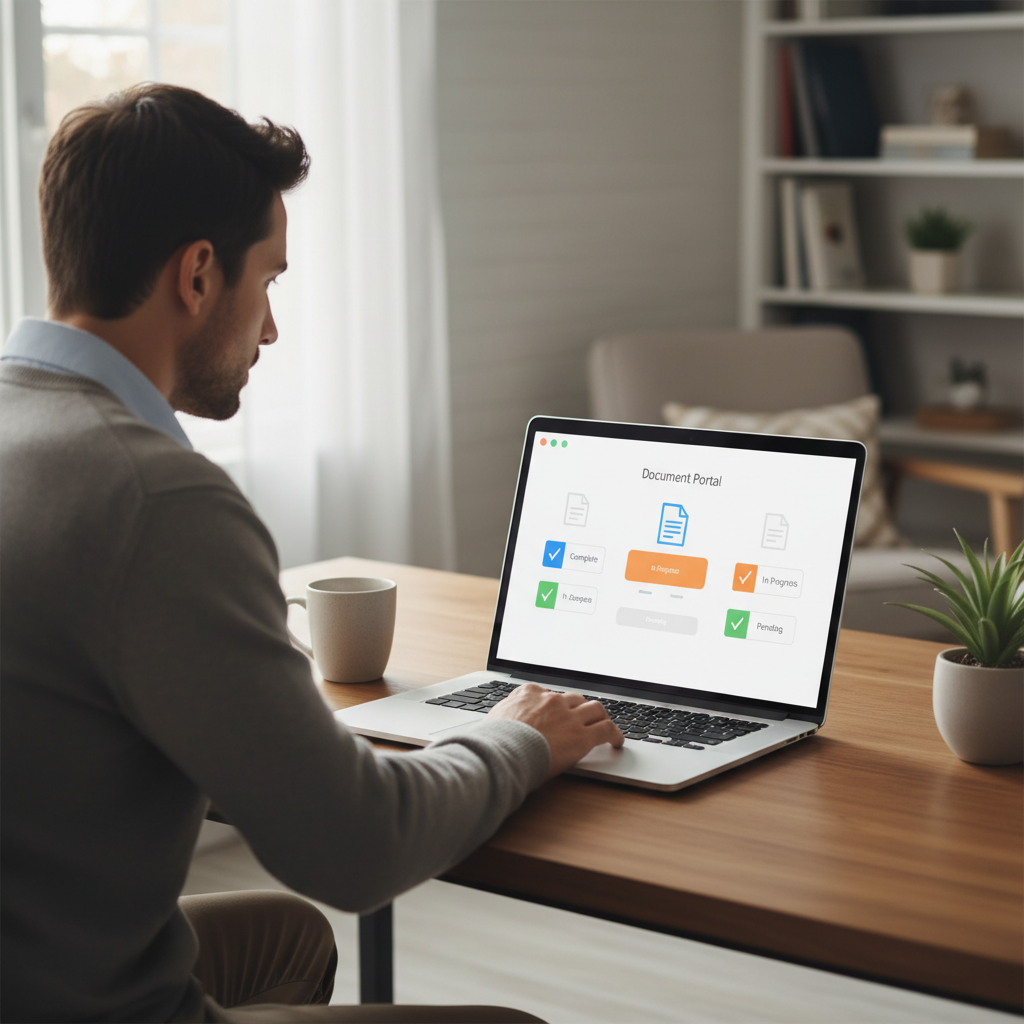
For many operations teams, adding a guided checklist and status tracker inside the portal reduces “where is my document?” emails, because everyone can see what’s missing and what’s already been received.
If you are redesigning your portal, it can help to read up on client portal UX patterns that work for non technical users before locking in your requirements.
Technical checklist: how to secure a client portal end-to-end
Security teams often ask a simple question: “How exactly is this portal built and operated?” Having a clear, shared checklist reduces friction between operations, IT, and risk.
1. Application and API layer
- Adhere to guidance such as the OWASP Top 10 for web application security risks.
- Use secure session management and short-lived tokens, especially for administrative users.
- Validate all inputs server-side; do not rely only on front end checks.
- Separate public APIs from internal integration APIs, with proper authentication for each.
2. Infrastructure and networking
- Place portal services in private subnets, exposing only a hardened edge (load balancer, API gateway).
- Use infrastructure as code so that security settings are versioned, reviewed, and reproducible.
- Keep operating systems, containers, and libraries patched through an organized process.
3. Data lifecycle
- Define how long different document types are retained and how deletions work (soft vs. hard delete).
- Control where data is stored (regions) to match your regulatory landscape.
- Use strong encryption and, where needed, customer managed keys.
If your technical team wants a deeper reference, the NIST Cybersecurity Framework is a good way to align portal controls with a broader program.
When ScaleLabs delivers a portal, we document these layers so your internal security and compliance teams can review design choices instead of reverse engineering them later.
Governance, audits, and compliance expectations
Even the best technical design will drift without clear governance. Treat portal security as an ongoing practice, not a one time project.
Regular access reviews
- Quarterly reviews of external users: who still needs access, and at what level?
- Automated deprovisioning when contracts end or employees leave partner organizations.
- Documented approval flows for granting high privilege roles.
Policy alignment and audits
- Map your portal controls to the standards that matter to you (SOC 2, ISO 27001, HIPAA, or internal policies).
- Keep architecture diagrams, data flow maps, and configuration baselines up to date.
- Run periodic penetration tests and share findings with leadership in plain language.
Many of ScaleLabs’ clients pair their portal work with wider initiatives around compliance ready client workflows. That way, their auditors see one coherent story rather than a patchwork of tools.
Build vs. buy: picking the right portal approach
At some point, most teams ask: “Should we configure a commercial product or build a custom portal?” There is no single right answer, but a few questions help.
When off the shelf secure client portal software can fit
- Your workflows are fairly standard (simple file sharing, basic messaging, standard forms).
- Your current systems can integrate without major workarounds.
- Security requirements line up with what the vendor offers out of the box.
When a custom secure client access portal makes more sense
- Workflows span many systems (CRM, ERP, claims, field service) and teams.
- You need portal behavior to match real world processes tightly, including edge cases.
- Security and compliance teams need specific controls, logs, or hosting models that standard SaaS tools do not provide.
If you are wrestling with this decision, you might find our piece on the build vs. buy guide helpful. Many clients end up with a hybrid: a custom portal that orchestrates workflows and connects to best in class point tools underneath.
How ScaleLabs approaches secure client portals
ScaleLabs builds custom client and vendor portals for operations heavy businesses in the “real economy.” Security is not an add on; it is part of how we design and ship every workflow.
Security baked into the architecture
- Enterprise grade authentication (SSO/SAML, MFA) and role based access control from the first prototype.
- Encryption, environment separation, and detailed logging as standard, not optional extras.
- Hosting and integration models that respect your data residency and regulatory landscape.
Workflows your teams and clients actually like
- Guided flows that replace long email chains and scattered spreadsheets.
- AI agents that check forms, route tasks, and remind people of missing steps while still keeping humans in charge at key decisions.
- Dashboards that give operations leaders a live view of where work is stuck, without exposing sensitive data unnecessarily.
From messy reality to secure, measurable outcomes
A secure client document portal or access portal is not just an IT project; it is a way to run your business with less friction and lower risk. Our teams start with your real workflows, map the pain points, and co-design a portal that fits. The result: fewer email threads, faster onboarding, and better sleep for your security and compliance folks.
If you are considering your next portal project and want a partner who has done this with utilities, logistics, construction, insurance, and more, book a call with ScaleLabs. We will talk through your current setup, what “secure enough” means in your context, and whether a custom build is the right move.


