
Real Estate Workflow Automation: One Flow for Multi-Party Deals

ScaleLabs helps ops-heavy B2B teams ship client portals and workflow automation that reduce email chaos, speed up onboarding, and improve visibility across the business.
If you’ve ever watched an “easy” real estate deal turn into a 120‑email saga between brokers, lenders, title, internal ops, and a nervous buyer, you know why people go looking for real estate workflow automation. The work isn’t just about filling forms; it’s about coordinating humans, deadlines, and documents that sit across half a dozen systems that don’t talk to each other.
The catch: those systems aren’t going away. Your team still lives in email, Excel, a legacy LOS or CRM, shared drives, and portal logins no one remembers. So the question isn’t “How do we replace everything?” but “How do we add an orchestration layer on top that keeps multi‑party deals moving without forcing everyone into yet another portal they’ll resist?”

A modern operations team managing multi-party real estate deals from a centralized, automated workflow dashboard.
TL;DR
- Multi-party real estate deals break down when email threads and spreadsheets become the “system of record.”
- An orchestration layer sits above email and legacy tools, tracking deals, parties, documents, and tasks in one place.
- Start by mapping your deal stages, handoffs, SLAs, and failure modes before writing a single line of code.
- You can get quick wins by automating intake, reminders, document checks, exception routing, and reporting.
- Most teams get the best outcome by pairing existing tools with a custom orchestration layer built around their actual process.
“You don’t need to rip out your LOS or CRM—the biggest wins usually come from an orchestration layer that coordinates the tools you already have.”
The coordination tax in multi-party real estate deals
In a typical commercial or high‑volume residential deal, you might have:
- Buyer, seller, and sometimes tenants
- Brokerage teams on both sides
- Loan officers and underwriting
- Title, escrow, legal, and compliance
- Internal operations, finance, and post‑close servicing
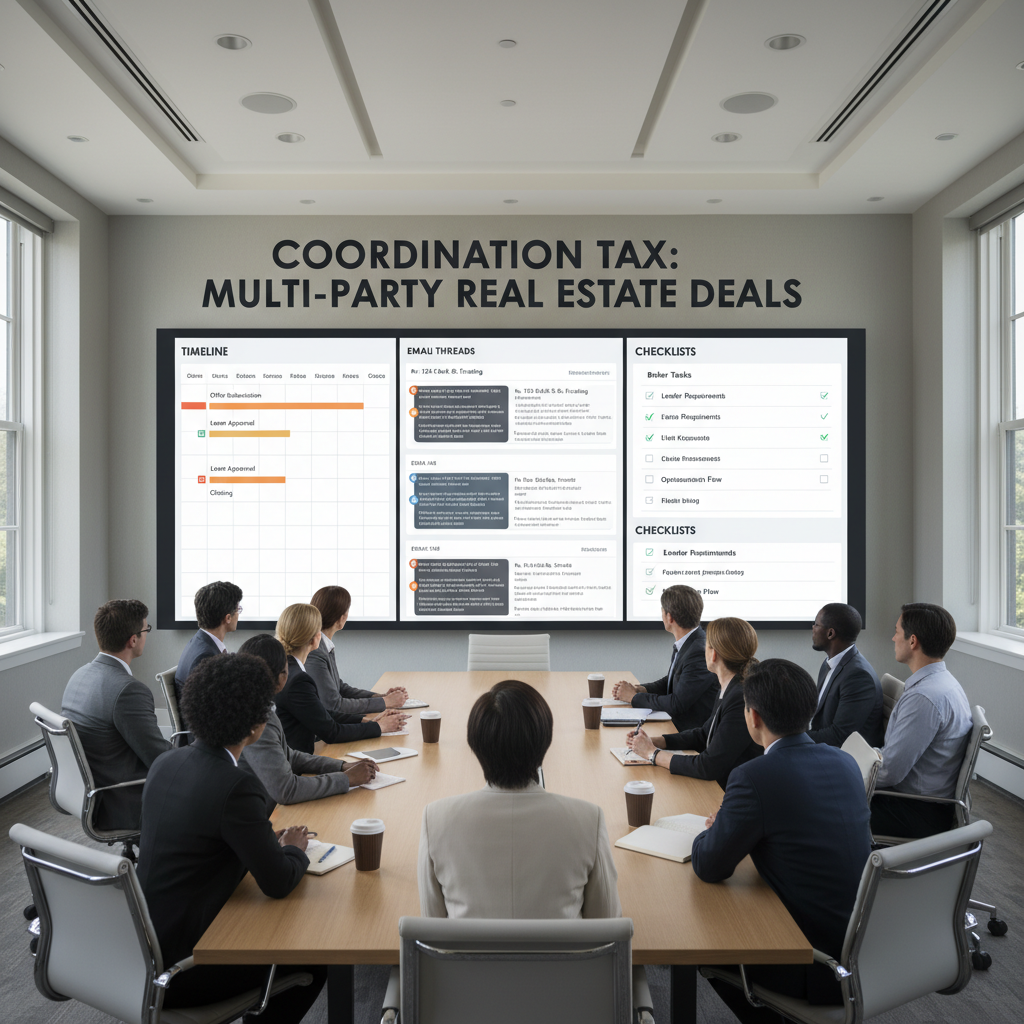
Multiple stakeholders reviewing timelines, email threads, and checklists illustrates the coordination tax in complex real estate deals.
Each group brings its own system: a CRM, document management tool, LOS, accounting platform, plus plenty of shared folders and ad‑hoc spreadsheets. The “glue” is email and chat, plus heroic effort from a few ops people who remember where everything lives.
That coordination tax shows up as delayed closings, “who owns this now?” confusion, duplicated data entry, and awkward calls with clients when no one can answer a simple status question. McKinsey has estimated that interaction workers spend about 28% of their workdays managing email and another 19% searching for information, a pattern operations teams in real estate recognize immediately. McKinsey Global Institute research and data from the National Association of Realtors both highlight that process and coordination issues—more than pricing alone—are where deals frequently stall.
In U.S. residential lending, for example, one Origination Insight Report from ICE Mortgage Technology reported an average time‑to‑close of 49 days for all loans and 51 days for purchase loans in June 2021—long cycles where every dropped handoff or missing document compounds delays.
Conceptual before‑vs‑after view: before, each party juggles its own email threads and spreadsheets; after, a central orchestration layer routes tasks, documents, and updates between brokers, lenders, title, and internal teams.
Why you shouldn’t rip-and-replace email and legacy systems
Many teams react by shopping for a “one platform to rule them all.” Six months later, they discover that:
- Agents and partners still use email first.
- Legacy LOS, CRM, or accounting platforms are too embedded to kill.
- Vendors and counterparties refuse to adopt yet another portal.
For operations‑heavy real estate businesses, a more realistic strategy is to let people keep the tools they know, but add structure on top. That structure is an orchestration layer: a system that sees every deal, understands its stage, knows who owes what, and nudges work forward without demanding a full replatform.
This is where companies like ScaleLabs focus: not tearing everything down, but wiring your existing stack together and adding AI‑driven direction to the work.
What is a workflow orchestration layer in real estate?
Think of an orchestration layer as the air traffic control for your deals. Planes can belong to different airlines and use different ground systems; air traffic control doesn’t replace those, it coordinates them.
1. A single, deal-centric source of truth
The orchestration layer treats each deal as a first‑class object with:
- Parties (buyer, seller, brokerages, lender, counsel)
- Key dates (inspection, financing, closing, renewals)
- Required artifacts (documents, approvals, conditions)
- Current state and next best action
Instead of hopping between email threads and shared drives, ops teams open one dashboard that shows where every deal stands and who is stuck.
2. Event-driven workflows, not static checklists
Traditional task lists work until the first surprise: appraisal comes in low, a lender changes terms, or title finds an issue. An orchestration layer reacts to events:
- Email arrives with a signed document.
- A field changes in the LOS or CRM.
- A deadline passes without the required files.
Those events trigger actions: updating status, assigning tasks, sending reminders, or escalating exceptions to a senior underwriter or manager.
3. Human-in-the-loop control where it matters
Some steps can be fully automated (chasing missing documents), while others need judgment (waiving a condition, re‑pricing a deal). The orchestration layer lets you define:
- Which steps are auto‑approved based on rules?
- Where human review is mandatory.
- Who can override, and how that gets logged.
You get automation without giving up control or auditability.
Step one: map the multi-party deal workflow
Before building anything, high‑performing teams sit down and sketch how a deal really moves today. Whiteboard first, tooling second. A simple outline might look like:

Cross-functional real estate teams mapping the current and future-state deal workflow on a whiteboard before implementing automation.
- Intake and qualification
- Structuring and underwriting
- Conditional approvals and term sheets
- Due diligence, inspections, and third‑party reports
- Final approval, funding, and closing
- Post‑close handoff and servicing
For each stage, capture:
- Who is involved (internal roles and external parties)?
- What “done” means (documents, data, approvals).
- Typical SLAs (for example, “title package within 3 business days”).
- Failure modes (“we wait two weeks before realizing the title never got the order”).
This gives you the raw material to feed into an orchestration engine, whether you partner with a studio like ScaleLabs or build in‑house on your own stack.
Designing the orchestration layer on top of what you have
Once the workflow is mapped, you can design the “on‑top” architecture. A practical pattern is a three‑layer stack:
- System layer: LOS, CRM, accounting, document management, e‑signature.
- Orchestration layer: workflow engine, event bus, AI agents, rules.
- Interaction layer: internal console plus simple partner/client portals or email‑based forms.

Conceptual three‑layer architecture: system layer (LOS, CRM, document tools), orchestration layer (workflow engine, event bus, AI agents), and interaction layer (internal consoles and lightweight portals) sitting on top of existing systems.
Connect inboxes, spreadsheets, and core systems
The orchestration layer listens to:
- Designated deal mailboxes (for example, deals@, closing@).
- Shared spreadsheets that ops still relies on.
- APIs or exports from LOS, CRM, and document storage.
When a new email thread or spreadsheet row matches an existing deal, it gets attached automatically. When it doesn’t, the system proposes a new deal and asks an ops lead to confirm.
Model deals, parties, and documents as entities
Under the hood, the orchestration layer tracks clear entities:
- Deal: property, product, amount, dates, status.
- Party: role, contact info, organization, KYC/AML status where relevant.
- Document: type, version, received date, validation status.
That structure lets AI and rules “reason” about what’s missing, what’s late, and what should happen next.
Explicit triggers and SLAs
Finally, you define triggers and timers:
- “If the appraisal is not received within 5 days of ordering, send a reminder and flag to the coordinator.”
- “If the title raises an exception code, pause closing and alert the deal team.”
- “If compliance is waiting on updated corporate docs, send a one‑click upload link to the sponsor.”
For real‑world portals, patterns like magic link authentication keep access simple for infrequent users while maintaining security.
Five automation plays that pay off fast
You don’t need a massive program to see benefits. Many teams start with a few focused plays and expand from there.
1. Smart intake and deal routing
Replace free‑form email with short, structured intake forms or “smart email” templates. AI extracts key fields (loan type, property, key dates) and routes deals to the right pod, region, or product team. A central console shows new deals, triage status, and workload.
2. Document chasing and validation
Instead of coordinators manually chasing for missing items, the orchestration layer tracks the checklist and pings the right party with pre‑filled links. Simple document checks (signatures, page counts, file types) can run automatically, with edge cases kicked to humans.
3. Condition and exception tracking
Underwriting and credit teams often live in long PDFs and scattered notes. A structured exceptions table linked to each deal lets you:
- Log conditions with owners and due dates.
- Track approvals and waivers with a clear audit trail.
- Report by exception type, lender, or broker to see patterns.
4. Status pages for brokers and clients
Many status calls exist because people can’t see where a deal stands. A lightweight, read‑only portal or secure “deal status link” pulls directly from the orchestration layer. Brokers see milestones, outstanding items, and who owns them, rather than asking ops to forward screenshots from internal tools.
5. Portfolio‑level analytics and SLA monitoring
Once every deal flows through a single orchestrated path, you can finally answer questions like:
- Where do deals most often stall?
- Which counterparties or products tend to miss SLAs?
- How many touches does it take to close a typical deal?
Feeding this into your BI stack or reporting tools gives leadership a way to tune staffing, vendor relationships, and process design with data instead of gut feeling. For examples of this kind of analytics at scale, reports from firms like Deloitte can be a helpful reference point.
Build vs. buy vs. partner
Once teams see the value of orchestration, the next question is, “Should we build this ourselves?”
- Buying a generic workflow tool can work for simple processes, but real estate deals tend to stretch “out of the box” templates.
- Building from scratch gives control, but many ops teams don’t have spare engineering capacity or time for a 12‑month project.
- Partnering on a custom orchestration layer lets you keep ownership of process design while leaning on specialists to wire systems together, ship portals, and handle enterprise‑grade security.
ScaleLabs sits in that third camp: an AI workflow studio that co‑designs deal workflows with you, then builds the orchestration layer around your current systems, not against them.
Implementation checklist for operations leaders
If you’re responsible for operations, here’s a practical sequence you can follow:
- Pick a clear scope
Start with one line of business, product type, or region rather than “all deals everywhere.” - Run a workflow mapping workshop
Get underwriting, closing, ops, and a few key brokers in the room. Map the current state and the ideal future state side by side. - Define entities and SLAs
Agree on what a “deal” is, what stages you track, and how you measure on‑time performance. - Inventory systems and data
List which steps rely on LOS data, CRM, email, spreadsheets, or third‑party portals. - Prioritize 3–5 automation plays
Use the plays above as a menu and pick the ones with the strongest pain and shortest path to deployment. - Choose your orchestration approach
Evaluate internal builds, generic tools, and partners like ScaleLabs. - Pilot, measure, expand
Launch with a small team, track cycle times and email volume, then expand as the workflow proves itself.
What this looks like with ScaleLabs
In real engagements, ScaleLabs typically:
- Spends a few sessions with your ops and deal teams mapping the true end‑to‑end workflow.
- Builds a deal console that sits on top of your existing stack and pulls in data from email, spreadsheets, LOS, CRM, and file storage.
- Implements AI‑assisted intake, document checks, and smart reminders to cut back‑and‑forth emails.
- Ships lightweight partner or client access so brokers and customers can see status without chasing your team.
The goal is simple: fewer dropped balls, clearer ownership, and shorter deal cycles, without forcing your organization through a painful, multi‑year platform swap.
If you’re exploring this for your own operation and want to see how an orchestration layer could work with your stack, you can book a call with ScaleLabs to talk through options.
Key takeaways
- Multi‑party real estate deals struggle when coordination lives only in inboxes and spreadsheets.
- An orchestration layer sits above email and legacy systems, tracking deals, parties, documents, and tasks in a structured way.
- Mapping your workflow, entities, and SLAs is the foundation for any automation effort.
- Targeted automation plays around intake, document chasing, exceptions, and status visibility create fast, measurable wins.
- Most teams see the best results by partnering to build a custom orchestration layer on top of the stack they already have.
This article is for informational purposes only and does not constitute legal, financial, or compliance advice.


