
Client Tracker System and options for business operations

ScaleLabs helps ops-heavy B2B teams ship client portals and workflow automation that reduce email chaos, speed up onboarding, and improve visibility across the business.

TL;DR
- Most teams start with a simple client tracker built from email and spreadsheets, then hit a wall once volume and coordination grow.
- A good client tracking system gives everyone one source of truth, makes next steps obvious, and reduces “who owns this?” moments.
- Your real choice isn’t “which tool is best?” but “which option matches how our operations actually run?”
- Custom portals and workflow apps pay off once processes are cross functional, regulated, or revenue critical.
- ScaleLabs helps operations heavy businesses turn messy, email driven processes into clear, AI supported client workflows.
If you run operations for a service business, you already have a tracking system for clients even if it’s just a mashup of inboxes, shared drives, and spreadsheets. It works for a while. Then one day a key account slips through the cracks, a regulator asks for an audit trail you can’t easily provide, or a founder wants a simple answer to “where are we stuck?” and nobody has a quick, reliable view.
That’s usually the moment people start Googling for better client tracking. Not because they love software evaluations, but because running the business on heroic effort and memory is getting risky. The good news: you have more options now than “just buy a CRM and hope it fits.”
In this guide, we’ll walk through what these tools actually do, the main types of systems on the market, and how to decide which direction fits your operations team today and where you want to be a year from now.
What is a client tracking system?
A client tracker is the place where your team can answer three basic questions at any time:
- Who is this client?
- What has happened so far?
- What needs to happen next, and who owns it?
In simple environments, that might be a single spreadsheet. In more complex operations, it’s usually a mix of a CRM (Customer Relationship Management system), project management tool, document system, and messaging tools like Slack or Teams. The trouble comes when no one can say which source is “the real one.”
A healthy client tracking setup does three things:
- Gives clients one consistent experience, even when many teams are involved.
- Helps staff follow the process without hunting through email threads.
- Creates history and metrics leaders can trust, without extra spreadsheet work.
At ScaleLabs, we usually see the need for a more deliberate system once you have cross functional workflows (sales, operations, finance, legal), regulatory pressure, or just a lot of back and forth with clients and vendors. If you want a broader lens on when your operations are ready for this shift, our operational maturity model guide breaks that progression into five practical levels.
7 signs your current client tracking is hurting operations
If any of these feel familiar, your team has likely outgrown its current setup:
- “Where is this at?” is a weekly (or daily) fire drill. Leaders and account owners constantly chase status updates.
- Clients repeat the same information to different people. Data lives in email threads and meeting notes, not in a shared system.
- Hand offs are fragile. Work stalls when a single person is on vacation because only they know “how this one works.”
- Spreadsheets keep multiplying. Every team builds its own version, and none of them agree.
- Regulated steps live in someone’s head. You rely on informal checklists instead of a process the system can enforce.
- Reporting is manual and backward looking. You spend hours preparing board or leadership updates by stitching data together.
- IT is tired of patching tools with no clear owner. Integrations are brittle, and small changes feel expensive.
None of this means your team is doing a bad job. It usually means your original tools were never designed for the level of coordination you now need.
4 types of client tracker systems (and when they fit)
Different client tracker systems all aim to connect your workflows, data, and day to day tools.
1. Spreadsheets and simple task tools
The classic starting point: a shared spreadsheet plus a generic task board in tools like Trello or Asana. For a small book of business with a clear, linear process, this can work surprisingly well.

Good for: Early stage teams, low volume, simple onboarding steps, single team ownership.
Watch out for: No real audit trail, version confusion, and the temptation to bolt on dozens of columns to “handle just one more edge case.”
2. Off the shelf CRMs and project management tools
Systems like Salesforce, HubSpot, or Monday.com are designed for sales pipelines and general collaboration. With the right configuration, they double as a basic client tracking system.
Good for: Standard sales processes, relatively predictable onboarding, teams that already live in the CRM.
Watch out for: Forcing operational workflows into a sales style pipeline, and asking non sales teams to work in a tool that doesn’t match their day to day reality.
If you’re curious about how traditional CRMs think about “one view of the customer,” Salesforce’s own overview of CRM is a useful reference
3. Industry specific client tracking systems
Many sectors now have niche platforms, property management systems, claims platforms, applicant tracking systems, and so on. These tools often ship with workflows and terminology tuned to a specific industry.
Good for: Industries with well understood, standardized processes (e.g., residential property management, basic insurance products).
Watch out for: Gaps when your processes are more bespoke than the vendor expects, or when you need deep integration with internal systems beyond what they offer.
4. Custom portals and workflow led client tracking
At some point, operations heavy teams find that no single off the shelf product quite matches how they work. That’s where custom client trackers built as portals or internal apps make sense. These systems map to your actual workflow: the exact forms, checks, approvals, and hand offs that matter in your world.
Good for: Cross functional workflows, regulated steps, multi party coordination (clients, vendors, field staff), and when “how work moves” is a competitive advantage.
Watch out for: Building without a clear process map, or treating the project as “just a database” instead of an operational tool.
This is the space where ScaleLabs spends most of its time: turning informal processes and scattered tools into shared, secure portals that keep complex client work on track. For examples of what these builds look like in practice, see our client portal development overview.
Key features to look for in a client tracking system
Whether you choose a spreadsheet, CRM, or custom portal, the same building blocks show up again and again. Here’s a quick checklist you can use in vendor conversations or internal planning:
- Single, shared view of each client. Contacts, documents, past activity, open tasks, and notes in one place.
- Workflow support, not just data storage. The system should reflect your steps: intake, review, approvals, scheduling, hand offs, renewals, and so on.
- Clear ownership and SLAs. Every step should have an owner, due date, and escalation path when things stall.
- Integrations with core systems. Think CRM, ERP, finance, e-signature, document management, and messaging. Double entry is the enemy.
- Role based access and audit trails. The right people see the right information, with a history of who did what and when especially important in regulated industries.
- Reporting that leaders actually use. Pipeline, cycle time, bottlenecks, and exceptions should be visible without exporting to a separate spreadsheet.
- Room for automation and AI. You don’t need everything on day one, but you’ll want support for triggers, validations, and basic decision logic.
Harvard Business Review has written extensively about the link between process clarity and performance. Their work on “managing to outcomes” pairs well with how you think about client workflows: Harvard Business Review. For a more detailed process reference, many operations teams also rely on the APQC Process Classification Framework when mapping end to end workflows.
How to choose the right client tracker for your team
Tool comparisons are helpful, but most strong decisions start with your own process, not a feature grid. A simple five step approach:
- Map one or two core workflows.
For example: “New client onboarding” or “Vendor qualification.” Capture steps, owners, systems touched, and where work stalls today. - List who needs to see what.
Clients, internal teams, external partners, and leadership often need different views into the same data. - Decide your “source of truth.”
If CRM is the system of record for accounts, your tracker should link and sync with it rather than duplicate everything. - Score options against the workflow, not just features.
Sit down with a few vendors or your internal team and walk the actual process end to end. Where do you feel forced into workarounds? - Pilot with real cases before scaling.
Run a small but representative slice of your business through the new setup for a few weeks. Measure response times, error rates, and team sentiment.
If you want a structured way to run this evaluation, you can always reach out to us at ScaleLabs. We regularly help teams audit existing workflows and decide whether better configuration, light custom glue, or a full portal build makes the most sense. For a deeper dive into how this connects to automation, our AI workflow automation guide walks through common patterns.
Example: From email maze to trackable workflow
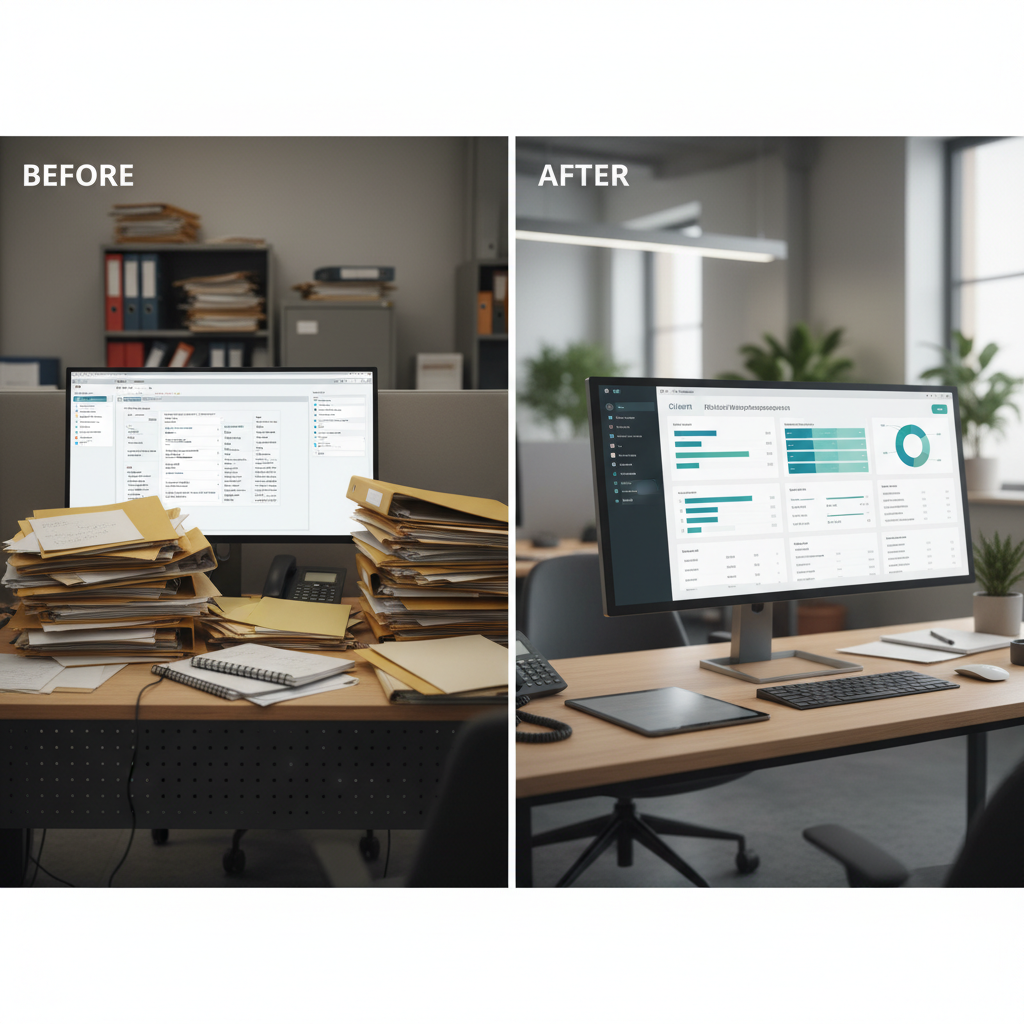
Moving from email threads and ad hoc spreadsheets to a dedicated client tracker reduces chaos and delays.
Here’s a composite story based on several clients we’ve worked with.
A regional infrastructure firm handled new project requests through shared inboxes. Each request kicked off a mix of engineering review, permitting checks, site visits, vendor quotes, and contract steps. Everyone tracked their part in separate spreadsheets. Nobody had a clean view of where a request sat or why it was stuck.
Together, we:
- Mapped the end to end workflow and identified about a dozen recurring decision points.
- Built a secure portal where internal teams logged in, saw their queue, and updated status in one place.
- Integrated with their CRM and document system so data and files stayed in sync.
- Added simple rules to route requests and flag cases that were sitting too long without movement.
The impact over the first few months:
- Onboarding time for new requests dropped by roughly 30%.
- Email volume for this workflow fell by more than half.
- Leadership could finally see where work was backing up, instead of relying on anecdotes.
None of this came from flashy features. It came from giving the team a clear, shared system that matched how they already worked just without the chaos.
Where AI actually helps with client tracking

AI is most helpful when it sits on top of a clear client tracking workflow with defined stages and owners.
AI shows up in a lot of product marketing right now. In real operations work, the most useful applications are pretty grounded:
- Intake and form checks. Flag missing fields, inconsistent data, or unusual entries before they hit your team.
- Routing and prioritization. Classify work by type, risk, or value, then route to the right team or queue.
- Summaries for humans. Turn long email chains, call notes, or documents into short, structured updates tied to the client record.
- Exception handling. Spot patterns where things frequently go off the happy path and surface them earlier.
At ScaleLabs, we treat AI as an extra layer on top of clear workflows, not a replacement for them. The system still has explicit stages, owners, and rules. AI just helps fill in the gaps, reduce manual checks, and keep work flowing without constant supervision.
For a broader view on automation’s impact on operations and decision making, McKinsey’s research library is worth browsing: McKinsey on technology and operations. If you’re exploring concrete use cases, our AI automation solutions page shows how we apply these ideas in real client workflows.
When a custom client tracker makes sense (and how ScaleLabs can help)
Not every organization needs a custom system. Many run just fine on a well configured CRM plus a few good spreadsheets. But it’s worth considering a bespoke approach when:
- Your workflows span multiple teams, systems, and sometimes external vendors.
- You operate in regulated or safety sensitive environments where audit trails matter.
- You feel like you’re constantly forcing generic tools to behave in ways they weren’t built for.
- Leadership sees operational excellence as a core part of your edge, not just table stakes.
ScaleLabs partners with operations heavy companies in the “real economy” to design and build:
- Client and vendor portals that mirror your actual workflows.
- Internal tools that connect CRM, ERP, finance, and document systems.
- Decision intelligence layers that route work, validate inputs, and track progress.
For multi party B2B workflows with partners and distributors, that often means a broader B2B portal development project that sits on top of your existing systems.
If you’re staring at a web of spreadsheets, inboxes, and legacy tools and wondering how to turn it into a single, reliable client tracking system, we’d be happy to talk. You can learn more about how we work at scalelabs.dev or simply book a call from the site. For more background on our approach, see what ScaleLabs does.


