
Accounting Firm Operations: What Breaks as You Grow

ScaleLabs helps ops-heavy B2B teams ship client portals and workflow automation that reduce email chaos, speed up onboarding, and improve visibility across the business.
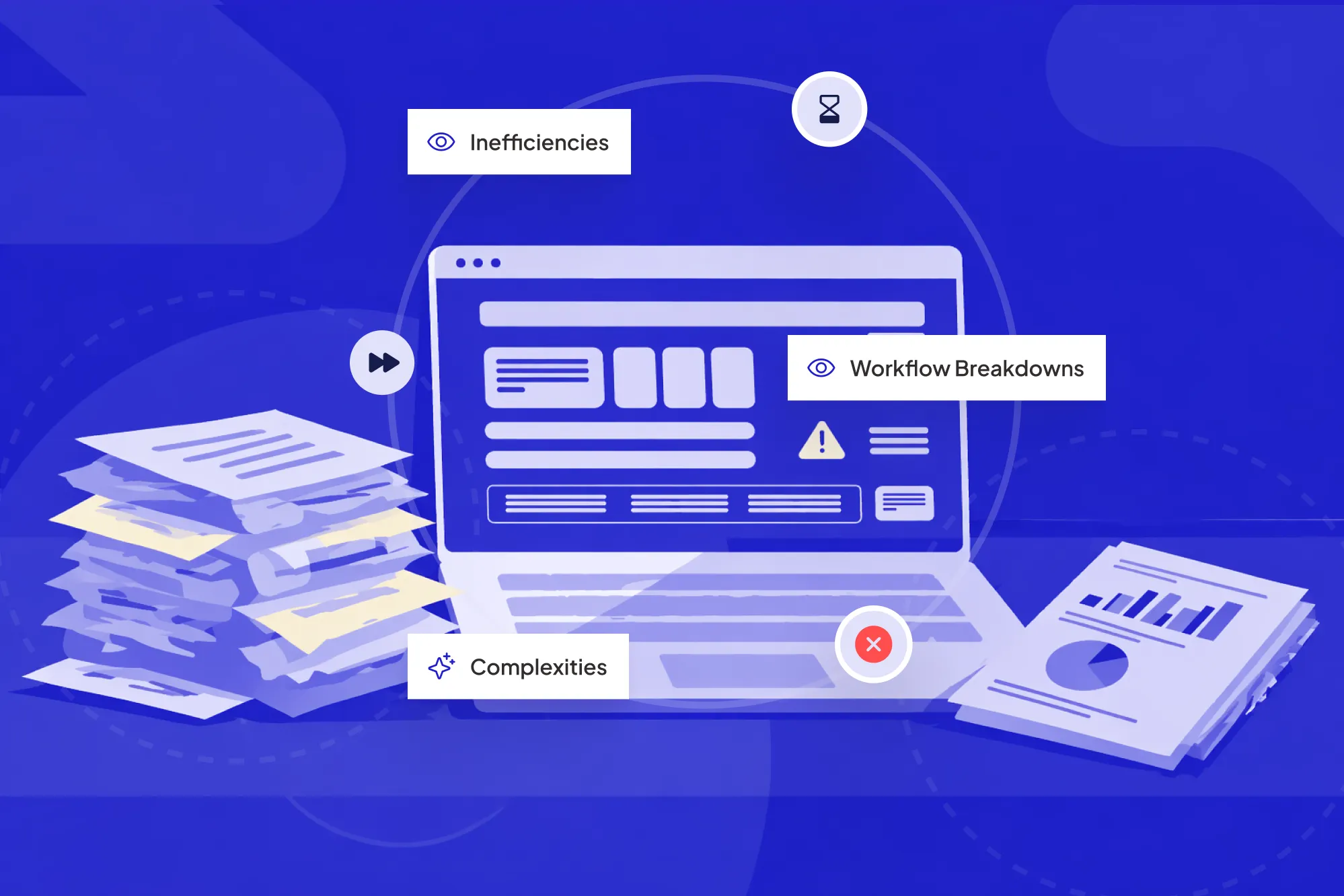
Talk to any managing partner of a growing firm and you’ll hear the same sigh. The work is there, the client list is healthy, the team is bigger than ever yet everyone feels behind. Partners are chasing status updates, seniors are buried in email, and clients sense the wobble long before it shows up in your financials.
What changed? Not your technical skills. The cracks usually show up in how the firm actually runs day to day who does what, when, and with which information. That invisible system is what people mean when they talk about your accounting operations. Even if no one has that title on their business card.
That strain shows up in industry data too. In a burnout study from FloQast and the University of Georgia, summarized in an Accounting Today survey, 99% of accountants reported experiencing at least some level of burnout, with roughly a quarter at medium to high levels. That’s the human cost of workflows that don’t keep up with firm growth.
TL;DR:
As firms scale, the first things to slip are usually intake, work routing, review, and billing. The more work you add on top of shaky foundations, the more write downs, late nights, and missed expectations you see. This piece breaks down the five common break points and shares practical steps to steady your operations without ripping out every system you already use.
What we mean by operational accounting
Different firms use different labels: “operations,” “practice management,” “admin,” “COO,” “firm manager.” Underneath those labels sits the same idea: the system that moves work from signed proposals through to cash in the bank.
When people say operational accounting, they’re talking about the processes, tools, and roles that keep the engine running: client intake, scoping, time and task management, reviews, billing, and reporting. Those are your core accounting operations functions.
The technical work might live in tax or audit platforms; the operational work often lives in a jumble of spreadsheets, email threads, practice management tools, and tribal knowledge. That’s usually where growing firms feel the most pain. If you want a deeper primer on this, we’ve put together a separate guide on firm workflows in our accounting client portal guide.
Industry bodies like the AICPA talk a lot about staffing, capacity, and client experience. All of those topics show up here, inside the way your operations are built.
The 5 break points in accounting firm operations

Visualizing how work moves through the firm makes operational break points easier to spot.
Most firms hit the same rough patches at similar stages around 10 people, 30 people, and again near 60–80. The details change, but the pattern rarely does.
Let’s walk through the five most common break points we see in firm ops and how they show up in real life.
1. Client intake and scoping turn into a game of telephone
Early on, the partner who sells the work is usually the one who does it. As the firm grows, those paths split and context starts leaking out. A partner promises “simple” year-end work; the team discovers messy books, missing records, and a client who expects weekly hand-holding.
Symptoms that your intake and scoping are under strain:
- Jobs start with half filled intake forms and scattered email notes.
- Teams discover surprises late in the engagement (“Wait, no one mentioned payroll?”).
- Write downs and scope creep become part of the budget instead of rare exceptions.
A short, structured intake flow with clear required fields, decision points, and handoff rules goes a long way here. Many firms map this out once and then let it drift. If you haven’t revisited yours since you were half your current size, this is low hanging fruit. For a starter template, see the intake section of our accounting client portal guide.
2. Work routing and capacity become guesswork
As soon as you have multiple offices, teams, or pods, the question shifts from “Can we take this client?” to “Where should this work actually go?” Without a clear routing system, the loudest voice or the partner who happens to be online wins.
Classic signs:
- Managers hand out work based on gut feel instead of real capacity data.
- Some seniors are slammed while others quietly coast through lighter weeks.
- Deadlines bunch up around the same people, leading to crunch cycles and churn.
Many firms try to fix this with more meetings and more spreadsheets. That helps for a while, then collapses under volume. A better approach: make capacity, skills, and deadlines visible in one place, and route work based on simple rules the whole leadership team agrees on.
Publications like Journal of Accountancy have written for years about capacity planning in firms; the missing link is often translating that advice into a workflow your team actually uses every day.
3. Document chaos and approvals slow everything down
When you had 50 clients, you could keep track of who had sent what with a few email nudges and a shared folder. At a few hundred clients, that same setup turns into a maze of missing PDFs, wrong versions, and “can you resend that?” messages.
You’ll know this is biting you when:
- Staff spend more time chasing documents than doing billable work.
- Clients upload to the wrong portal or send sensitive files over email.
- Approvals stall because no one is sure whose turn it is to sign off.
The goal isn’t another portal that clients never log into. The goal is a clear path: request → reminder → validation → approval, with status that anyone can check. This is where workflow tools, including platforms like our AI assisted workflow layer, can quietly watch for missing items, nudge the right party, and keep the queue moving without constant partner involvement.
4. Review, quality, and risk lose consistency
At a small size, everyone learns “how we do things here” directly from the partner group. As new managers come in and teams spread out, quality starts to depend on which reviewer happened to get the job.
Red flags:
- Different reviewers apply different standards on similar jobs.
- Partners spot issues late in the process that should have been caught sooner.
- New hires struggle to learn “the firm way” because it lives in people’s heads.
Review checklists, standardized sign off steps, and lightweight risk flags make it easier to keep quality steady as you grow. Even better if those checks are baked directly into your workflow, not hidden in a PDF or someone’s personal notebook.
“If quality lives only in your partners’ heads, growth will keep pulling it out of reach.”
5. Billing, WIP, and collections start leaking margin
Finally, there’s the money. As volume grows, so does the gap between work performed and work billed. Time gets logged late or not at all. Scope creep gets written off instead of re-scoped. Invoices go out in lumpy batches, and partners hope it all nets out.
Common patterns:
- Partners spend Friday afternoons wrestling with WIP reports and manual write downs.
- Collections lag because no one owns the follow up cadence.
- Advisory or project work gets underpriced because there’s no view of true effort.
A steady billing engine connects the dots: scoped work → actual effort → invoice rules → reminders. That doesn’t require a whole new practice management system. Often it means linking the tools you already use, then layering simple rules that flag outliers and nudge next steps. Industry benchmarks based on AICPA MAP Survey data, summarized in a CPA Journal analysis, suggest many firms operate around 85–90% realization meaning 10–15% of potential revenue quietly leaks out through write-downs and inconsistent billing. We share real world examples from professional services firms in our operations playbooks.
Thought leaders at places like Harvard Business Review have long noted how billing discipline shapes profitability in professional services. Your internal systems either support that discipline or slowly erode it.
How to shore up your operations without starting from scratch

Teams refining their accounting operations by mapping the real workflow and simplifying key steps.
Once you see these break points, the instinct is often: “We need a new practice management platform.” Sometimes that’s true. Often, though, the bigger win is to fix the flow first, then bring technology in to reinforce it.
A simple way to start:
- Pick one service line and one workflow. For example, year end accounts for owner managed businesses.
- Map the real path today. From signed engagement through to cash collected. Include the detours and “unofficial” steps.
- Circle the pain points. Where do handoffs stall? Where do errors show up? Where do people feel the most friction?
- Define your “minimum healthy path.” Not a fantasy process, but a version that your current team could follow on their busiest week.
- Only then bring in automation. Use tools to remove re-keying, trigger reminders, and keep status visible.
We follow a similar approach in our workflow design and automation engagements: get the real picture on the table, agree on a better version, and then wire systems around that instead of the other way around.
Where AI powered workflow tools actually help

AI enhanced workflow tools can surface the right accounting operations data at the right time.
AI gets thrown at every problem right now. In firm operations, the sweet spot is less about flashy chatbots and more about quiet, reliable assistants that keep work moving and surface the right information at the right time.
Make the invisible workflow visible
First, you want a clear, shared view of what’s in motion: which clients are onboarding, which jobs are in prep, which are waiting on review, which invoices are stuck. An AI aware workflow layer can sit on top of your existing tools and sync this view automatically. That’s the core idea behind the ScaleLabs workflow platform.
Take repetitive routing off your managers’ plates
Second, AI can help with the routing decisions that currently steal time from your best people: “Who should get this job?” “What’s missing from this intake?” “Has the client gone quiet?” Simple rules plus smart checks can handle the repeatable cases so managers step in only when judgment is needed.
Keep audit trails and security front and center
For professional firms, nothing happens without trust. Any workflow platform you bring in needs enterprise grade security, clear audit logs, and flexible hosting options that respect client data requirements. At ScaleLabs, we design portals and internal tools with SSO/SAML, encryption, and detailed activity trails baked in from day one, not added as an afterthought. You can see how this looks in practice in our case studies with other operations-heavy businesses.
For example, a residential property management company working with ScaleLabs restructured its leasing and accounting workflows into a unified portal and workflow layer. That change helped them scale from roughly 1,150 to more than 2,000 units under management without adding headcount, avoiding an estimated $120,000–$180,000 per year in additional hiring costs. You can explore the full breakdown in our property management case study.
Ready to steady the ship for your firm?
If you’re seeing some of these symptoms: messy intake, uneven workloads, review fire drills, or billing headaches you’re not alone. The good news: you don’t need a blank slate rebuild to fix them. Often, a few well placed workflow changes, supported by smart automation, free up partners and staff faster than you’d expect.
ScaleLabs works with operations heavy firms to design and build custom AI automation workflow applications, client portals and vendor portals, and decision support tools that fit the way you already work. If that sounds useful, we’re happy to talk through your specific situation.
FAQs
What are the core accounting operations functions in a firm?
Most firms cover the same backbone functions: client intake and onboarding, scoping and engagement setup, task and capacity management, document collection and approvals, review and sign-off, billing and collections, and internal reporting. The labels may differ, but if these steps are fuzzy, the rest of your firm feels it.
How is operational accounting different from technical accounting work?
Technical work is the content of the engagement: preparing returns, audits, compilations, or advisory reports. Operational work is the container it lives in: how the job is created, assigned, tracked, reviewed, billed, and reported on. Firms that treat both as first class responsibilities tend to scale with less drama.
Do we need a dedicated “Head of Operations” to fix this?
A dedicated operations leader helps, but plenty of firms start by giving clear ownership to an existing partner or senior manager. What matters more than the title is that someone is explicitly responsible for how work flows through the firm and has the mandate to improve it.
Can small firms ignore all this until they grow?
You don’t need enterprise-grade workflows as a three-person shop. Still, setting simple, consistent ways of working early on pays off later. Even a basic, written intake process and a clear “who owns what” chart can keep you from rebuilding everything during a busy season.


