
Workflow vs Process Automation: What B2B Leaders Need to Know

ScaleLabs helps ops-heavy B2B teams ship client portals and workflow automation that reduce email chaos, speed up onboarding, and improve visibility across the business.
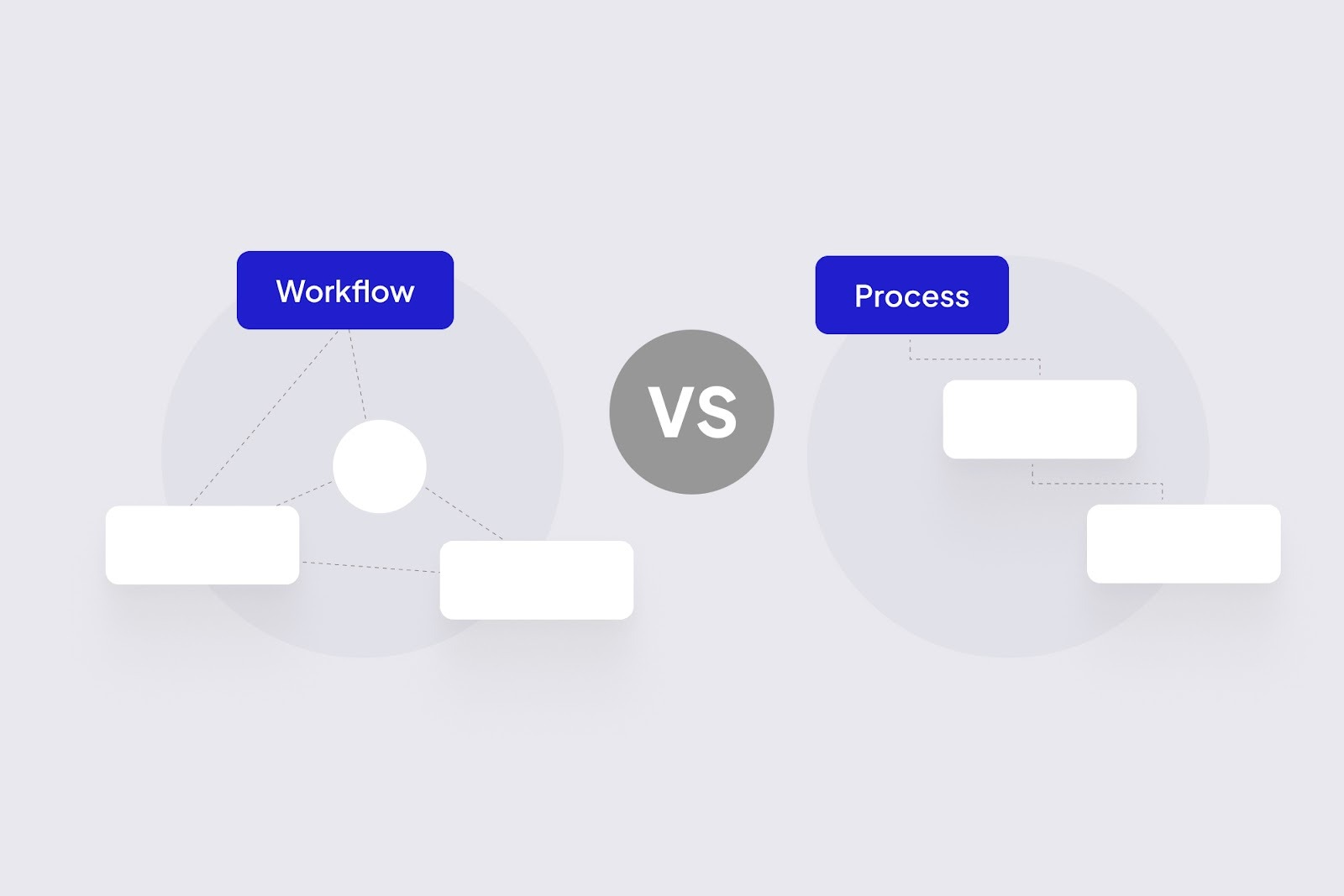
Your team keeps talking about automation, but every meeting drifts into a debate about workflow vs process. One person pulls up a swimlane diagram, someone else talks about SOPs, and by the end nobody is sure what they're actually buying or fixing. Sound familiar?
For operations leaders in B2B companies, this confusion is more than a vocabulary problem. It shows up as stalled projects, tools that never get adopted, and “automation” initiatives that quietly die after a proof of concept. The good news: once you separate the map (process) from the traffic system (workflow), decisions get a lot easier.
TL;DR:
- A process is the map: the ordered steps your business follows to get a result.
- A workflow is how work actually moves through that map across people, systems, and data.
- Process vs workflow automation: process automation speeds up individual steps; workflow automation keeps the whole thing moving without dropped balls.
- You fix business process vs workflow issues differently: one is about the design of the steps; the other is about orchestration.
- AI powered workflow apps (what we build at ScaleLabs) plug into your existing stack to route tasks, validate inputs, and trigger next steps.
Why the terms feel confusing inside real companies
Inside slide decks, “workflow” and “process” look tidy. Inside your inbox, not so much.
You might hear all of these within one week:
- “We need an end to end onboarding workflow.”
- “Our approval process is broken.”
- “Can we automate this workflow in the ERP?”
- “Let’s document the process first, tools later.”
Everyone is pointing at the same pain, slow handoffs, missing data, shadow spreadsheets but using slightly different words, so “automation” projects stay vague instead of fixing specific journeys like vendor onboarding, claims, or site inspections.
The fastest way to move an automation project forward is to separate “What are the steps?” from “How does work move between them?”
Workflow vs process: simple definitions for busy B2B leaders

What is a business process?
A business process is a repeatable sequence of steps your company follows to reach a result (approve a policy, install a device, settle a claim, onboard a broker).
- Has a clear start and end (e.g., “vendor applies” → “vendor approved and active”).
- Documented as a flowchart, SOP, or BPMN diagram.
- Usually spans multiple teams and tools (CRM, ERP, ticketing, finance).
What is a workflow?
A workflow is how a specific piece of work moves through that process in real life who touches it, what system they use, what data they need, and what happens next. If the process is the recipe, the workflow is tonight’s actual dish, with the mess, delays, and “we’re out of that ingredient, now what?” moments.
Business process vs workflow: how they connect
Here’s a quick comparison you can share with your team:
Process vs workflow for a single vendor application
Process (map): Apply → Review → Approve → Activate
Workflow (reality): Email → Wait → Nudge → Rework → Approve → Activate
When leaders mix up process vs workflow, they either over-design diagrams nobody uses or jump into tools without a shared picture of the steps.
For deeper reference on process modeling, resources like the business process vs workflow explainer from HEFLO are solid starting points, but for day to day conversations the comparison table above is usually enough.
Process vs workflow automation in practice
Once the language is clear, the next question is: what exactly are we automating?
Process automation: making steps run themselves
Process automation targets individual steps inside a process. For example:
- Auto-generating a contract from CRM data.
- Running a credit check when an application hits a certain status.
- Flagging exceptions when a field is missing or out of range.
Here you’re often using things like RPA (Robotic Process Automation), scripts, or built in automation features in tools like your CRM or ERP.
Workflow automation: keeping the whole thing moving
Workflow automation looks at the full journey of a case or ticket and asks: “How do we make sure this keeps moving without human babysitting?” That usually means:
- Routing work to the right person or team at the right time.
- Coordinating tasks across systems (CRM, document management, finance, field service).
- Triggering next steps automatically when previous steps are complete.
- Giving everyone a single place to see status, SLAs, and blockers.
This is where AI powered workflow apps and portals from teams like ScaleLabs shine: not by replacing your systems, but by stitching the steps and data together so work keeps flowing.
If you want a broad industry perspective, analysts like Gartner describe workflow automation as a layer that coordinates tasks between people and systems. Your internal language does not have to be textbook perfect, but your decisions do benefit from this distinction.
How to tell what kind of problem you have
Before buying anything, ask: Is this mainly a process problem or a workflow problem?
Signs you have a process problem
- Teams disagree on what the steps even are.
- Different regions or business units follow entirely different playbooks “because that’s how we’ve always done it.”
- Policies and SOPs are outdated, unclear, or scattered across shared drives.
- Disputes sound like “why are we even doing this check?” rather than “who should do it?”
Signs you have a workflow problem
- Everyone agrees on the steps, but work still gets stuck in inboxes.
- Customers, vendors, or internal stakeholders are constantly chasing status updates.
- Data lives in silos: CRM, email, spreadsheets, file shares, legacy portals.
- Frontline staff spend hours each week reentering the same details in multiple systems.
In our work with operations heavy clients at ScaleLabs, it’s common to see both problems at once. The way through is to decide which one you’re tackling first and be explicit about it with your team.
Examples from operations-heavy B2B teams

Example 1: Vendor onboarding
Vendor onboarding: Process = collect documents, run checks, negotiate terms, set up in finance/ERP, confirm approval; in reality the work bounces between sales, legal, compliance, and finance across scattered systems and inboxes.
What helped: A vendor portal where vendors upload documents, AI checks completeness, and tasks route to the right reviewers.
Example 2: Field operations / site visits
Field operations / site visits: Process = plan visit, confirm access, capture data, generate report, follow up; in practice techs juggle apps, photos sit on phones, and reports are stitched together later.
What helped: A guided workflow app that captures data, validates inputs, and syncs everything to core systems.
Example 3: Claims or incident handling
Claims or incident handling: Process = intake, triage, investigation, decision, settlement or escalation; in reality intake arrives through many channels, evidence lives in shared drives, and handoffs happen in chat.
What helped: A single case workflow with clear owners, AI assisted triage, and reminders when steps stall.
For a concrete example of impact, see our Aspire FMO case study, where a custom portal increased daily agent onboarding capacity more than sixfold without adding headcount.
If several of these stories sound close to home, you’re squarely in the audience that ScaleLabs focuses on: operations intensive, workflow automation for B2B organizations that run on complex, cross functional workflows.
How to map business process vs workflow in your org
You don’t need a giant consulting project to get clarity. A focused, two hour workshop with the right people in the room goes a long way.

A simple 5 step mapping exercise
- Pick one critical journey. Vendor onboarding, broker onboarding, claims, installations something with real pain.
- List the major steps on sticky notes. Keep it at a high level: 8 to 15 steps is usually enough.
- Mark “process” vs “workflow” on each note. Ask: are we arguing about whether this step should exist, or about who does it and how it moves?
- Circle the top three friction points. Where do items stall? Where do errors or rework keep showing up?
- Write a one line problem statement for each. For example, “Legal review of vendor contracts is inconsistent and buried in email.”
Example outcome of the 5 step mapping exercise
Journey: Vendor onboarding
Steps: Apply → Review → Risk Check → Approve → Activate
Labels: [Process] [Workflow] [Workflow] [Process] [Workflow]
Focus: ★ Review ★ Risk Check ○ Approve
By the end, you’ll have a short list of “process” problems (step design) and “workflow” problems (orchestration). That list is a clean input for any conversation with a partner or your internal IT team.
For extra structure, many teams like using a lightweight BPMN style diagram or a swimlane chart. The point isn’t perfect notation; it’s shared understanding.
Where AI workflow apps fit (and where they don’t)
Once you’ve mapped process vs workflow, AI becomes another tool in the box.
Good fits for AI powered workflow automation include:
- Checking form completeness so required documents and key fields are present.
- Routing and triage based on risk, complexity, or customer tier.
- Summarizing long threads into timelines or concise briefs.
- Spotting anomalies that should trigger manual review.
Areas that still need human judgment:
- Final decisions with legal, financial, or safety impact.
- Nuanced negotiations and relationship management.
At ScaleLabs, we believe AI should give your workflows direction, not run the whole show. Use it for smart triggers, validations, and routing, with clear audit logs and access controls.
Getting started without another failed “pilot”
- Choose one workflow with measurable pain. Long onboarding times, heavy email volume, or frequent SLA breaches are good candidates.
- Agree on success metrics upfront. For example, “Cut onboarding from 30 to 15 days” or “Halve back and forth emails.”
- Start with a narrow, high impact slice. One or two steps intake, review, or approval are enough for a first release.
- Ship a working version quickly. Put real users and data into something that connects to your CRM/ERP.
- Iterate based on real behavior. Watch where people fall back to email or spreadsheets and smooth those edges.
FAQ:
Do we need perfect process documentation before we touch workflow automation?
No. You need agreement on the main steps and owners, not a 100 page SOP. A workflow system will expose gaps and edge cases as you run real work through it.
Should IT own process vs workflow decisions?
IT should be involved, but the business owns the process. Operations defines the steps, while IT and partners design the workflow and integrations, and both sides share metrics.
Where do our existing tools fit?
Your CRM, ERP, ticketing, and document tools usually stay. Workflow automation sits on top to connect them and orchestrate how cases move, often replacing email and spreadsheets rather than core systems.


