
Content Approval Workflow for B2B Ops: Single Source of Truth

ScaleLabs helps ops-heavy B2B teams ship client portals and workflow automation that reduce email chaos, speed up onboarding, and improve visibility across the business.
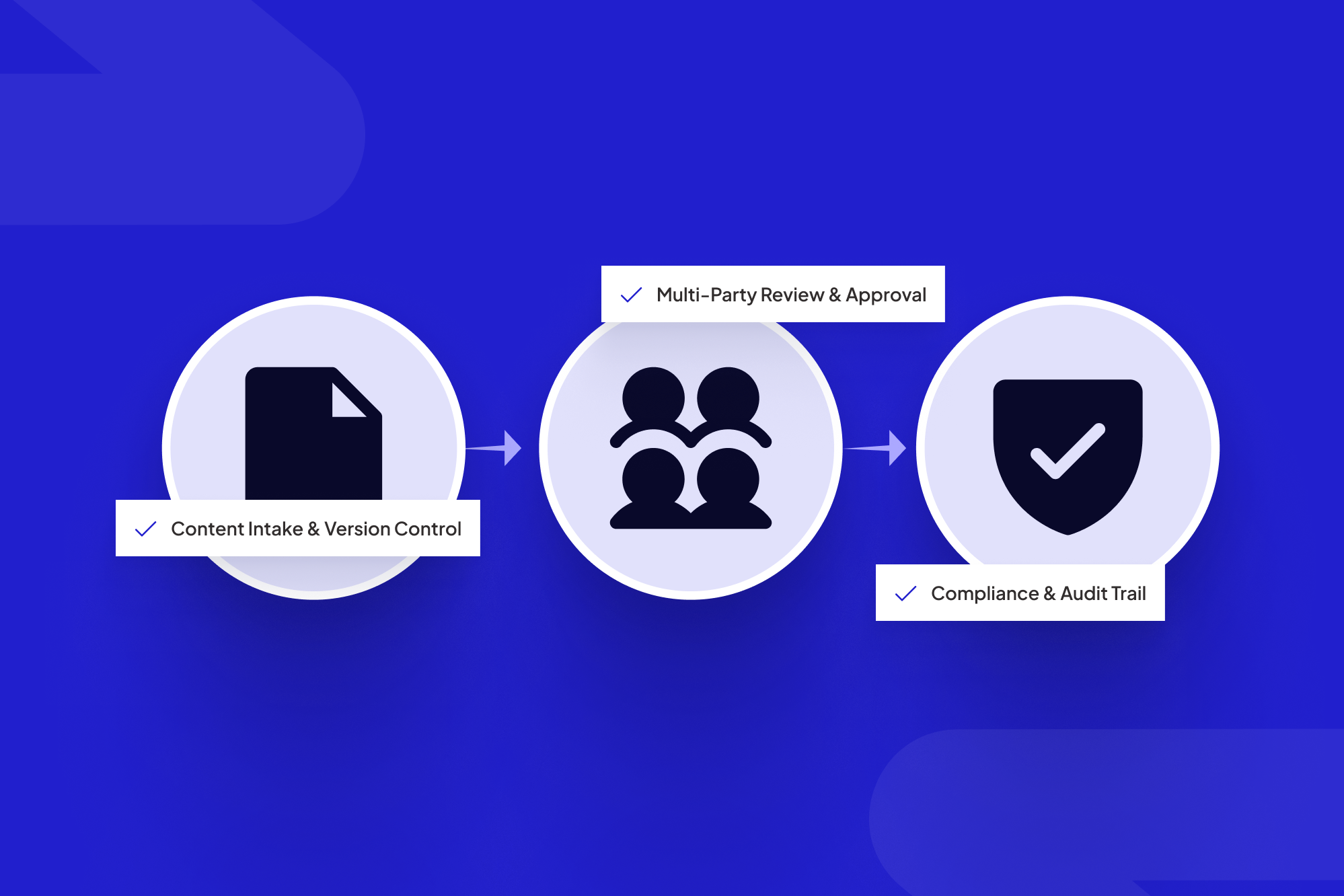

A single source of truth brings vendors, clients, and compliance into one shared approval workflow.
TL;DR
- Scattered email threads and spreadsheets make approvals slow, opaque, and risky in operations‑heavy B2B companies.
- A single source of truth keeps vendors, clients, and compliance in one shared workflow, each with the right view and permissions.
- Design your flow around stages, roles, SLAs, and audit trails—not around tools or org charts.
- Use AI for pre‑checks and routing; humans make final calls.
- Book a call with ScaleLabs if you need a custom vendor portal or client portal instead of another generic SaaS tool.
If you run operations in a complex B2B environment, you’ve probably watched a campaign, proposal, or safety document sit in inbox limbo while a vendor waits, a client pings your team, and compliance worries in the background. On paper, the steps are clear. People use different templates, forward email chains, and keep comments in half a dozen places. What you’re missing is a dependable content approval workflow that turns those moving parts into one track everyone can trust.
This article lays out how to turn approval chaos into a single source of truth that works for vendors, internal teams, clients, and regulators. We’ll cover the shape of a workflow, how AI can support it, and how to move from “Who has the latest version?” to “Here’s where this item stands right now.”
“Approvals shouldn’t depend on who shouted loudest in the last email thread.”
Why approvals break in complex B2B operations
In operations‑heavy businesses—utilities, logistics, construction, insurance, manufacturing—approvals rarely involve just one team. A single piece of content might need input from marketing, legal, compliance, product, regional leaders, vendors, and clients.
The usual failure modes look familiar:
- Everything runs on email. No shared status, no clear “owner,” and zero history once someone leaves the company.
- Spreadsheets try (and fail) to be the system of record. Columns drift, nobody trusts the filters, and duplicate tabs quietly appear.
- Vendors and clients are kept outside the system. They rely on PDFs and attachments, so the “real” conversation lives somewhere else.
- Compliance sees things late. By the time risk teams get involved, deadlines are tight and tensions rise.

Most B2B teams juggle email threads and spreadsheets instead of working from a unified approval record.
Underneath all of this is one pattern: there’s no agreed‑upon workflow from intake to final sign‑off, and tools aren’t tied together around a single operational truth.
If this sounds familiar, you’re who we build for at ScaleLabs.
What a single source of truth approval workflow looks like
A “single source of truth” for approvals doesn’t mean one giant form that everybody hates. It means one place where the status, version, comments, and sign‑offs for a given item live—and that place connects to the rest of your stack.
Core entities you need to model
- Content item: the thing being approved (campaign, landing page, safety document, training, policy update).
- Stakeholders: vendor contacts, internal owners, client reviewers, and compliance/legal approvers.
- Stages: drafted → internal review → vendor review → client review → compliance → final sign‑off → archived.
- Evidence: files, URLs, brand guidelines, contracts, and prior approvals.
RACI‑style clarity on who does what
Every stage should answer four questions:
- Responsible: Who moves the item forward?
- Accountable: Who owns the outcome if something slips?
- Consulted: Who should weigh in, but doesn’t block?
- Informed: Who only needs visibility?
That RACI grid belongs inside your workflow tool, not in a forgotten slide deck. Modern quality standards like ISO 9001 highlight document control and traceability for a reason: when risk is real, you need to know who approved what, and when.
The 7‑Stage B2B Content Approval Blueprint
Here’s a blueprint you can adapt before you invest in any new platform.

Map your real-world approval stages before you lock them into a platform or portal.
Contrarian tip: Don’t start with tools. Start with stages, roles, and SLAs; then pick software that reflects them.
Step 1 – Map the messy reality
Start with two or three recent items that went through approvals. For each one, sketch:
- Who requested it and how the request came in.
- Every place feedback showed up (email, chat, PDFs, comments).
- Where things stalled—and why.
This gives you a grounded baseline, not an idealized flowchart.
Step 2 – Standardize stages and SLAs
For each category of content, agree on:
- The minimal set of stages from request to archive.
- Who owns each stage.
- Reasonable response‑time targets (SLAs) per stage.
Treat this as the specification for your approval system, not a playbook you never revisit.
Step 3 – Centralize briefs, assets, and comments
Every item should have a single “home” record that links:
- The original brief or ticket.
- Latest file or URL.
- Historical versions.
- Threaded comments and decisions.
Whether that lives in a custom portal from ScaleLabs or another system, the principle is the same: one record, many views.
Step 4 – Automate routing and reminders
Routing rules should handle questions like:
- “If this is for Region A and Product Line B, who reviews it?”
- “If a vendor updates an asset, who needs to re‑approve it?”
- “If an SLA is breached, who gets notified?”
This is where AI‑powered workflows shine: they can read the brief, classify the work, and route it to the right queue before a human opens the request.
Step 5 – Bake in compliance and audit trails
Compliance shouldn’t live in a separate universe. Instead:
- Give risk teams their own stage in the flow, with clear entry criteria.
- Store rationale, conditions, and exceptions alongside approvals.
- Keep immutable audit trails of who changed what, and when.
Organizations in regulated sectors can look to groups like FINRA for examples of how regulators think about record‑keeping and supervision.
Step 6 – Expose the right view to vendors and clients
External partners don’t need to see your internal debates. They do need:
- A clear task list.
- The latest approved files.
- Deadlines and what’s blocking them.
Custom vendor and client portals make a big difference: instead of sending spreadsheets around, partners log into a clean interface on top of the same workflow your internal teams use.
Step 7 – Measure and improve
Track:
- Average time in each stage.
- Where items bounce back most often.
- Which teams are overloaded as approvers.
Centralizing approvals into one shared workflow with clear SLAs and basic automation often cuts cycle time by roughly 30–50% compared with ad‑hoc email and spreadsheet reviews, in line with independent content workflow benchmarks and studies on approval automation.
Many ScaleLabs clients start with one journey—often vendor co‑marketing or client onboarding content—then expand once they see bottlenecks.
Non‑negotiable features for your approval platform
Whether you extend a system or commission a custom tool, a B2B content approval platform needs more than checklists and file uploads.
Configurable, reusable workflows
- Templates for different content types and regions.
- Optional stages for high‑risk work.
- SLAs and rules by deal size, channel, or audience.
Deep integrations with your stack
The approval record should connect to:
- CRM or policy admin system for client or policy context.
- ERP or order systems for product and pricing data.
- DAM (digital asset management) or file storage for approved assets.
ScaleLabs often sits between these systems, using AI agents to sync data and trigger tasks so operations leaders don’t babysit integrations.
Security, permissions, and auditability
- SSO/SAML for sign‑on.
- Granular roles (vendor, client, internal, compliance).
- Clear separation between draft comments and official sign‑offs.
- Exportable logs and audit trails for regulatory reviews.
Examples: Vendor, client, and compliance sign‑offs on one track
Example 1 – Vendor co‑marketing with regional compliance
A regional utilities provider partners with dozens of local installers, each wanting co‑branded brochures, landing pages, and email sequences. Previously, every request turned into a separate email thread with attachments, and legal saw materials after something went wrong.
In the new flow:
- Installers submit requests through a vendor portal.
- Marketing reviews the brief and drafts assets inside the same system.
- Compliance sees the work at a defined stage, with all prior comments attached.
- Final assets are stored in a shared library vendors can access later.

A shared portal gives vendors, internal teams, and compliance a common view of content approvals.
Turnaround times often move from “two to six weeks” to predictable windows the operations team can defend with data.
In one ScaleLabs engagement with an agent network, shifting vendor onboarding and related approvals into a structured portal cut onboarding time by roughly 80%, a pattern you can see in our vendor portal case study.
Example 2 – Insurance product updates with strict rules
An insurance broker needed to keep product sheets and disclosures synced across dozens of partners and regions and prove to regulators who approved each version—without last‑minute scrambles before audits.
The single source of truth flow:
- Ties each asset to a specific product and jurisdiction.
- Requires compliance approval before anything goes live or is sent to clients.
- Stores an immutable record of every change, including who made it and why.
How AI keeps approvals moving (without losing control)
AI doesn’t replace human judgment in high‑stakes approvals, but it can quietly take work off people’s plates and keep items from getting stuck.
AI as the first‑line reviewer
- Checking that required fields and attachments are present.
- Flagging missing disclaimers or out‑of‑date references.
- Classifying the type of work to route it correctly.
- Comparing new text to approved templates or policies.
At ScaleLabs, we configure AI agents to act like operations coordinators: they don’t make final calls, but they keep things moving.
Humans at key checkpoints
Your design should spell out where human judgment is non‑negotiable:
- Initial approval of new content patterns or offers.
- High‑risk or high‑value campaigns.
- Regulatory interpretations and exceptions.
FAQ: building a B2B content approval workflow
What is a content approval workflow in a B2B context?
It’s the repeatable set of stages, roles, and rules that every piece of content passes through before it reaches vendors, clients, or the public. In B2B operations, that often spans multiple systems and departments, which is why bringing it into one shared workflow matters so much.
How do you involve external vendors without losing control?
Give vendors a portal where they can submit requests, upload assets, and track status—but keep internal conversations, risk reviews, and sensitive data behind access controls. Everyone works on the same record, just with different views.
How do you keep compliance happy without slowing everything down?
Bring compliance into the design early. Agree on:
- Which items they must see every time.
- Which items can use pre‑approved templates.
- What evidence needs to be logged for audit purposes.
Then give them a dedicated stage and dashboard, rather than asking them to dig through email.
When does it make sense to build a custom approval portal?
If your process crosses several systems, involves many external partners, and has real compliance stakes, stitching together generic tools can create more work than it saves. That’s usually the point where teams come to ScaleLabs to explore a custom workflow application.
Where ScaleLabs fits
ScaleLabs works with operations‑heavy companies—utilities, logistics, construction, insurance, manufacturing, and tech‑enabled real estate—to design custom workflow applications, vendor and client portals, and decision‑intelligence tools that turn scattered approvals into orchestrated flows.
Book a call to walk through your current approval tangle and explore what a unified workflow could look like for your team.
Key takeaway
The moment you treat approvals as a first‑class workflow—with clear stages, accountable owners, and one source of truth—you stop chasing versions and start making decisions. Vendors get clarity, clients get predictability, compliance gets traceability, and your operations team gets time back to work on higher‑value problems.


