
Common Challenges of Business Process Automation and Why They Keep Repeating

ScaleLabs helps ops-heavy B2B teams ship client portals and workflow automation that reduce email chaos, speed up onboarding, and improve visibility across the business.
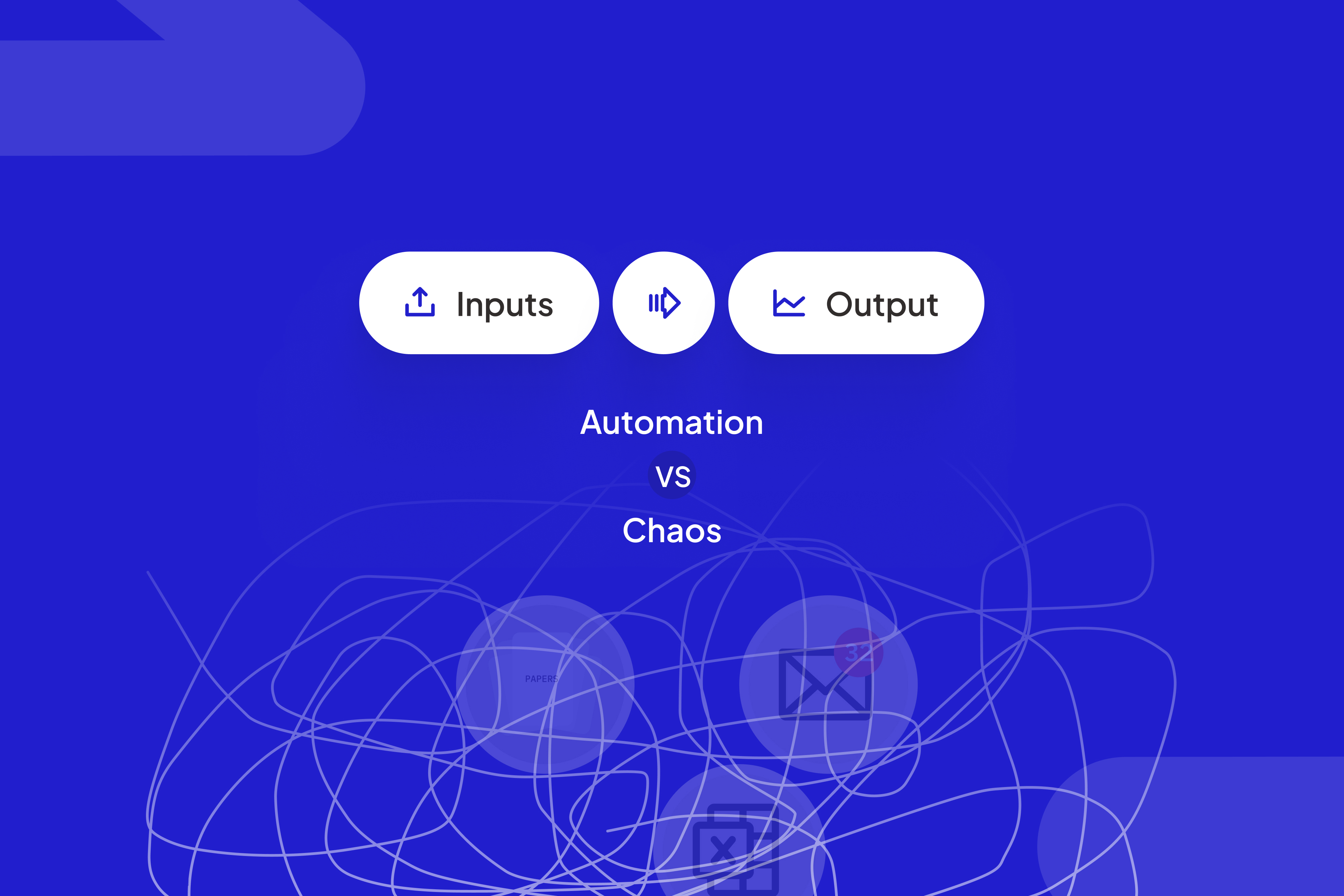
Every operations leader has a version of the same story. The team spends months mapping workflows, picking a tool, and rolling out automation. For a few weeks, email volume drops and dashboards glow green. Then the old problems sneak back in. People bypass the system, spreadsheets reappear, and leadership wonders whether the investment was worth it. When you look closely, the real challenges of business process automation rarely come from the software itself, they come from how humans, systems, and policies fit together.
If that sounds uncomfortably familiar, you’re not alone. From utilities and logistics to construction and insurance, we see the same patterns repeat with different logos on the building.

When automation meets real world operations, the friction usually lives in the workflows and ownership, not the software.
TL;DR
- Most business process automation challenges come from fuzzy processes, unclear ownership, exceptions, and change fatigue not from the automation platform.
- They keep repeating because organizations treat automation as one off IT projects instead of “living workflows” owned by the business.
- A simple playbook map, slice, co design, instrument, and maintenance can turn automation from a fragile project into core infrastructure.
What people really mean by “business process automation challenges”
When leaders talk about business process automation challenges, they rarely mean, “The bots won’t click the button.” They mean things like:
- “Every region has its own variation of this workflow.”
- “Legal and Compliance keep adding special cases.”
- “No one trusts the data in the dashboard.”
- “People just email each other instead of using the portal.”
In other words, the real friction lives in incentives, policy, data quality, and decision paths, the boring, human parts of business process optimization and management, not just the automation layer.
“Automation amplifies whatever you feed it including messy processes, fuzzy rules, and missing ownership.”
The 7 most common business process automation challenges
Across operations heavy clients at ScaleLabs, we keep seeing the same pattern. The details differ by industry, but the failure modes are strikingly similar.

Many recurring challenges surface when teams finally map how work actually flows across departments.
1. Automating a fuzzy or broken process
This is the classic “pave the cow path” trap. If a process lives in tribal knowledge, side chats, and undocumented judgment calls, automation just bakes that fuzziness into software.
- No clear start/finish to the workflow.
- Multiple teams disagree on the “right” path.
- Exceptions are handled by whoever shouts the loudest on email.
2. Tool first projects with no clear process owner
Someone sees a great demo, the budget gets approved, and the team races ahead with licenses and implementation. What’s missing is a single accountable owner on the business side who can say, “This is how the process will work from now on.”
- Requirements change mid project as stakeholders cycle in and out.
- IT or a vendor ends up making business decisions by default.
- The workflow reflects the loudest voice, not the best design.
In our work building AI driven workflow applications, the healthiest teams name a process owner before they pick a tool.
3. Exceptions and edge cases everywhere
Insurance, utilities, construction these worlds run on exceptions. A storm hits, a permit changes, a contract has grandfathered terms. The instinct is to encode every edge case in the first release.
- Flows branch so many times that users get lost.
- Project timelines stretch by months as people chase “just one more rule.”
- Frontline staff quietly work outside the system when it doesn’t match reality.
4. Siloed systems and integration gaps
Many business process challenges show up when your CRM, ERP, finance system, and document repository all tell different versions of the truth. If automation relies on manual file uploads or copy paste steps, the “process” still lives in people’s heads.
- Data rekeying between systems during “handoffs.”
- Approvals happening in chat while systems stay out of sync.
- Disputes about which system is the “source of truth.”
Modern orchestration tools and APIs help, but only if you agree on what needs to be shared and when. Research from Forrester and McKinsey highlights integration complexity as one of the biggest barriers to scaling automation.
5. Change fatigue and frontline resistance
For the people who actually run the process, automation can feel like new work with more clicks. If they weren’t in the room when decisions were made, they'd question every new rule.
- Shadow workflows pop up in spreadsheets and email.
- Teams keep using previous templates “just in case.”
- Leaders sense resistance but don’t see it in the metrics.
This is where thoughtful change management and clear “what’s in it for me” stories matter more than the technical build.
6. Shaky data and manual workarounds
If upstream data quality is poor, automation either breaks or produces outcomes no one trusts. People then layer manual checks and exports on top, which quietly kill the benefit.
- Frequent “data fixes” by a small group of experts.
- Spreadsheets used as temporary staging areas that become permanent.
- KPIs that look good on dashboards but don’t match the real work.
7. No feedback loop, so the same fires keep burning
Finally, many teams ship an automated workflow and treat it as done. Ownership fades, metrics aren’t reviewed, and by the time problems surface, they’re baked into daily life.
- Workarounds spread faster than fixes.
- Leadership only hears about issues when something escalates.
- Each new project repeats the same mistakes as the last one.
Why do business process automation challenges keep repeating?
So why do the same business process automation challenges show up in very different organizations? In our experience, three patterns show up again and again.
- Automation is treated as a project, not a product. Budgets, teams, and attention are all scoped to “go live,” not to the long tail where real learning happens.
- Process ownership is fuzzy. No one has the mandate and time to say, “We’ll keep this workflow healthy for the business, not just for IT.”
- There’s no single place where the truth lives. Policies live in PDFs, tacit knowledge lives in people’s heads, and systems only see fragments.
Once you see these patterns, you start to understand why pilots look great but rollouts sag. Without a durable home for the process a living workflow with clear ownership and feedback loops history just repeats with a fresh set of licenses.
How to break the cycle: a practical playbook
Here’s a simple playbook we use when building custom vendor and client portals and internal tools for operations heavy teams.

A clear, shared workflow model turns abstract automation ideas into a practical playbook the whole team can follow.
Step 1: Map the real process, including the messy parts
Grab a whiteboard (or Miro board) and map how work actually flows today, not how the SOP says it flows. Include:
- Who kicks off the process and with what inputs.
- Every decision point where someone says “it depends.”
- Typical exceptions and where they’re handled now.
If you can’t agree on the map, you’re not ready for automation. That’s not a failure; it’s the best early warning you can get.
Step 2: Slice the process into high leverage chunks
Instead of automating end to end on day one, find the segments where:
- Hand offs frequently stall (for example, from Sales to Operations).
- Data is rekeyed into multiple systems.
- Approval queues build up in inboxes.
Start there. You’ll get visible wins and learn how the organization reacts before you tackle the entire journey.
Step 3: Co design with the people who live in the process
Bring frontline users into design sessions early. Ask questions like:
- “When do you end up sending a side email instead of following the SOP?”
- “Where do you feel pressured to bend the rules to serve the customer?”
- “What would a good day look like in this workflow?”
This gives you a reality check that no Visio diagram can match and turns skeptics into advocates.
Step 4: Instrument the workflow from day one
Every automated process should come with a small, opinionated scorecard. At minimum:
- Lead time from start to finish.
- Number of times work leaves the system (email, chat, spreadsheets).
- Rework or “send back” rates at key steps.
These are the dials that tell you whether the automation is actually helping or just moving work around.
Step 5: Treat it as a “living workflow,” not a one off project
Finally, write down who owns this workflow for the business and how often you’ll review it. For example:
- Monthly 30 minute review of metrics and user feedback.
- A simple backlog for change requests, sized and prioritized.
- A named process owner who can say “yes” or “no” to changes.
This is where platforms that combine automation with AI driven decision intelligence shine they let you tweak routing, validations, and rules without restarting a big IT project.
Example from the field: from spreadsheet chaos to a living workflow
In one recent portal project, a regional operations team was managing vendor onboarding through shared inboxes and a thicket of spreadsheets. Cycle times stretched to weeks, and no one could say exactly where requests were stuck.
Instead of rebuilding the whole journey at once, we:
- Mapped the real flow across Legal, Procurement, and Operations.
- Picked one painful segment risk review as the first automation slice.
- Co designed a portal that captured the right data upfront and routed cases based on clear rules.
- Instrumented the workflow so leaders could see where requests stalled.
- Iterated monthly, adding new segments only after the first one held up in production.
Within a quarter, email chains dropped sharply and onboarding times shrank. More interestingly, new policy changes became configuration tweaks, not new fire drills. The same old business process challenges stopped showing up on Monday status calls.
What to do next
If you’re staring at yet another automation proposal and feeling déjà vu, here’s a simple three question test to run this week:
- Can we draw the current process on a single page that our teams agree on?
- Do we know exactly who will own this workflow after go live?
- Have we picked a clear first slice instead of trying to automate everything?
If the answer is “no” to any of these, you have an early signal that the same business process automation challenges might be waiting down the road.

Monitoring real workflows and metrics over time is what turns one off automation projects into durable business infrastructure.
Want a second set of eyes on a workflow that keeps stalling? The team at ScaleLabs builds AI powered workflow applications from field operations to vendor and client portals. Book a call and we’ll walk through your current process map, gaps, and a practical first slice you can ship.


